Three ways to use the physical aperture
Aperture Priority, or Av, is the mode many photographers use most on a camera: you choose the aperture, and the camera adjusts shutter speed and ISO. Exposure compensation remains available when you want the picture lighter or darker.
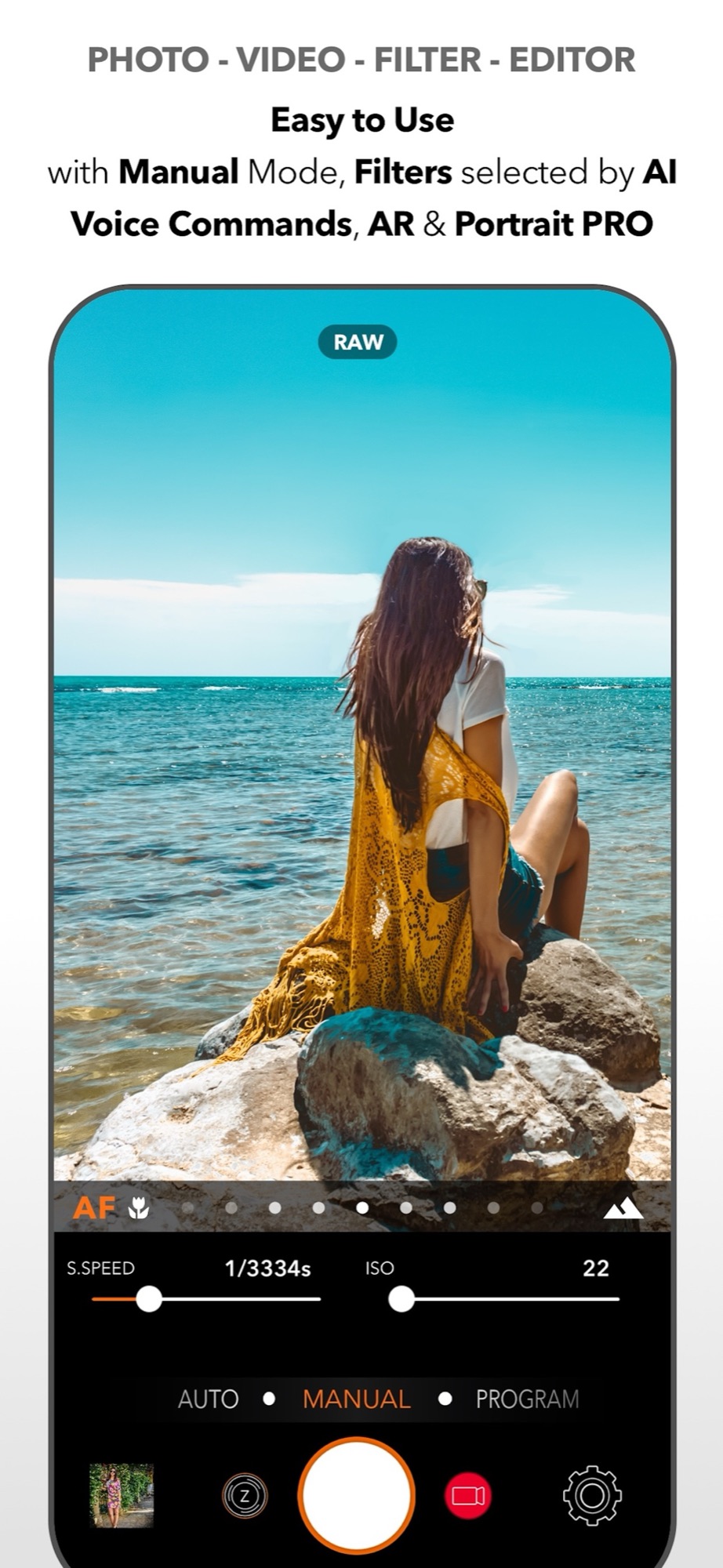
Manual lets you adjust aperture, shutter speed and ISO together. Auto leaves exposure to the camera, including the aperture where supported. Physical aperture controls are available with compatible cameras and capture formats.
Pro Controls, inspired by camera dials
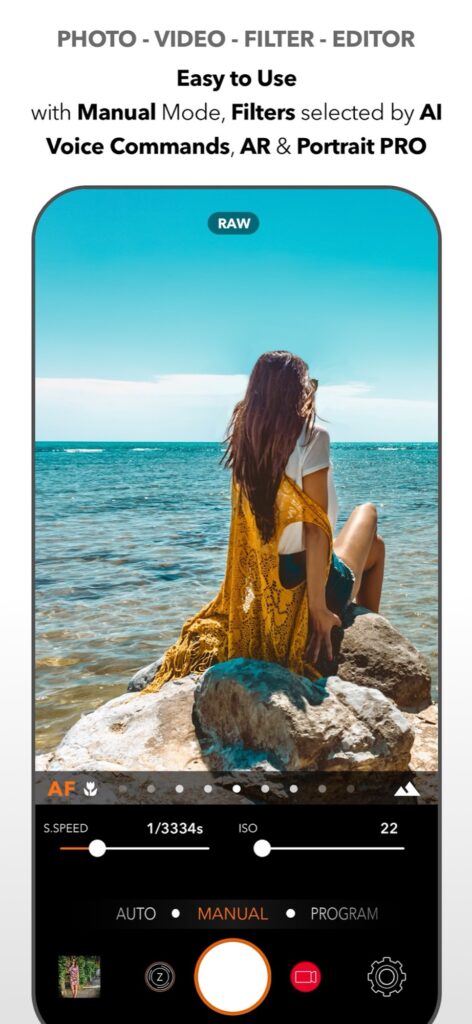
Version 12.1 also introduces Pro Controls: clear vertical scales with live values. Slide to adjust, or tap a marked value to move straight to it, with tactile feedback as you scroll.
You control shutter speed and ISO in Manual, exposure compensation in Program, and aperture on compatible cameras. Pro Controls are available across supported iPhones, including models without variable aperture, with matching controls for photo and video.
Where to start
Try Av first. Take the same subject at the widest and at the narrowest aperture the camera offers, and compare how much of the scene stays sharp and how the exposure time changes. Then move to Manual once the relationship between the three values feels natural.
If your iPhone has a fixed aperture, the app keeps working as usual, and the digital Aperture tool still lets you adjust blur on photos with depth information.
See the DSLR Camera overview for all shooting modes.
Sources and availability
Facts checked on 20 September 2026. Apple: iPhone 18 Pro technical specifications; DSLR Camera on the App Store, version 12.1 release notes. Physical aperture control requires the compatible Main camera of iPhone 18 Pro or iPhone 18 Pro Max and a compatible capture format.
Take control of your iPhone camera
Manual controls, RAW, 200+ filters and an advanced editor in one app for iPhone, iPad and Apple Watch. Updated since 2014.
Get DSLR Camera on the App StorePaid app. Feature availability varies by iPhone model, camera and iOS version.