OfflineFAQ
Does Whery need an internet connection?
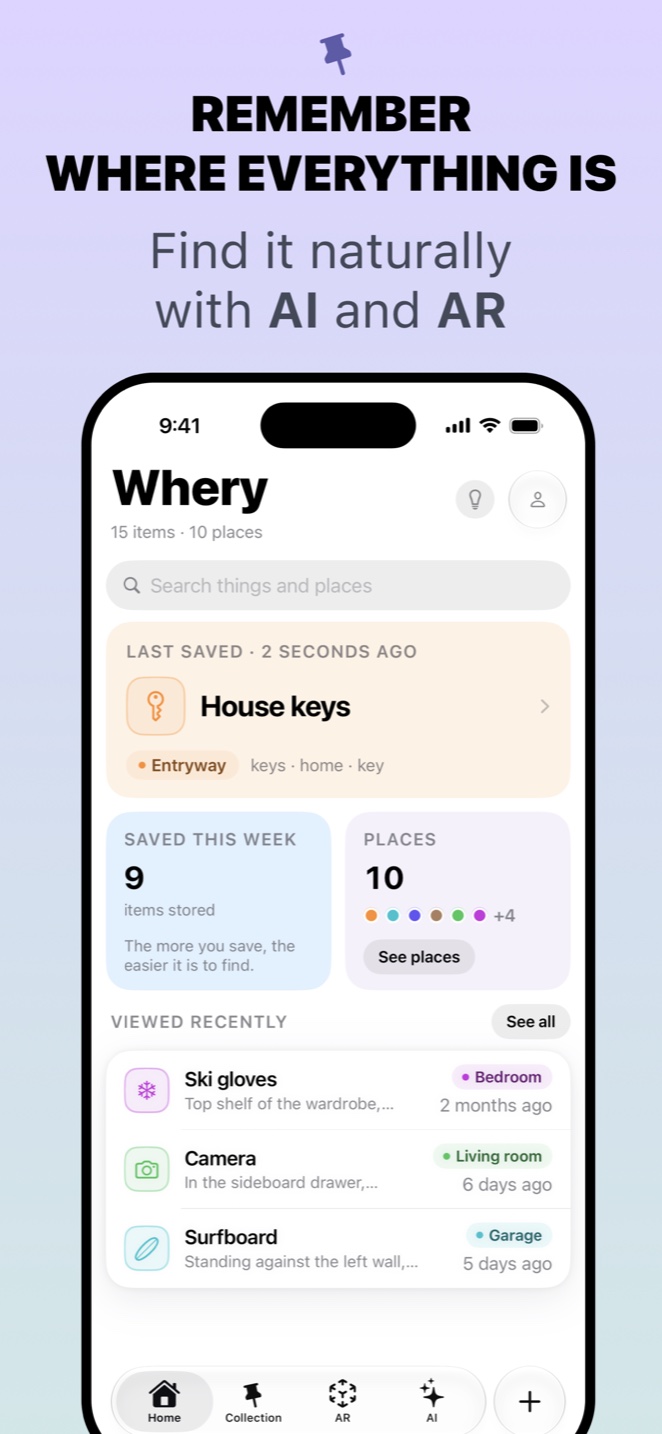
No. Saving, searching, dictation, photo understanding and AR all run on your device. A connection is only used for iCloud sync between your own devices, and for App Store purchases.
DataFAQ
Where is my collection stored?
On your device. If iCloud is available for Whery, it also syncs through your own private iCloud, which only you can open. Nothing is sent to me or to any third party. The full detail is in the Privacy Policy.
LocationFAQ
Does Whery use my location?
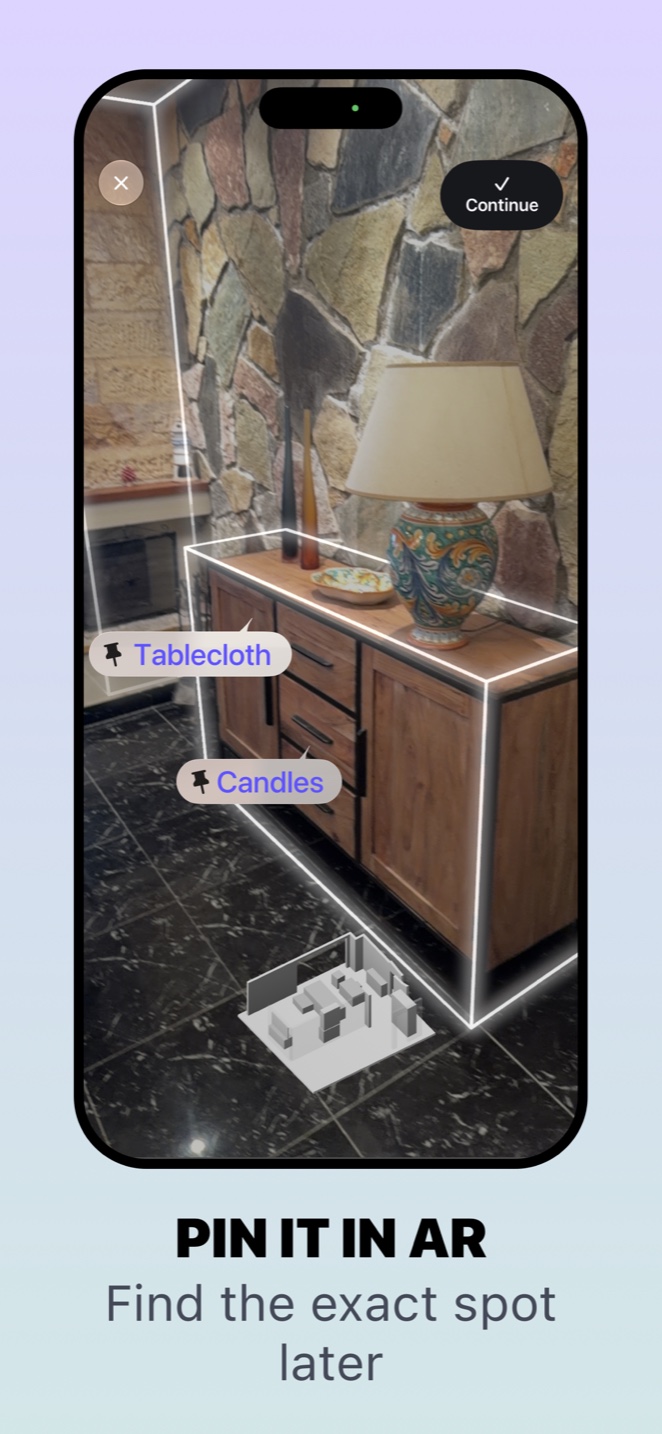
No. Whery never asks for GPS or network location. AR pins are positioned relative to your camera and device sensors, inside the room you scanned.
PurchasesFAQ
How do I restore a purchase on a new device?
Open Whery, go to the Premium screen and tap Restore Purchases, signed in with the same Apple Account you used for the original purchase.
BillingFAQ
How do I cancel my subscription?
On your device open Settings → your name → Subscriptions, select Whery and cancel. Cancelling at least 24 hours before the renewal date stops the next charge; access continues until the end of the period you paid for. Subscriptions are managed by Apple, not from inside Whery.
AccessFAQ
What happens to my things if I stop paying?
Nothing is deleted and nothing is hidden. Everything you saved stays readable, searchable and exportable. Only the ability to add beyond the free limits, and to write from Apple Watch, is paused.
DeletionFAQ
How do I delete everything?
Use Delete all data in Whery’s settings. Note that removing the app alone does not delete what is stored in your private iCloud.