What a RAW file keeps
DSLR Camera saves RAW photos in DNG, a format that photo editors read widely. Compared with a compressed image, a RAW file holds more information in the darkest and brightest areas, and its white balance can be changed after the shot without damaging the colours.
The price is size: RAW files are larger. They also look flatter at first, because nobody has processed them yet.
When RAW is worth it
Use RAW when the light is difficult: sunsets, backlit subjects, interiors with windows, night scenes. Use it for pictures you plan to print or to edit carefully. For quick everyday photos, a standard format is more practical.
On compatible iPhone cameras, version 12 adds 48 MP capture with a format and resolution selector, so you can choose the combination that suits each situation. Pair RAW with Manual mode, where you set shutter speed, ISO, focus and white balance yourself.
Edit without leaving the app
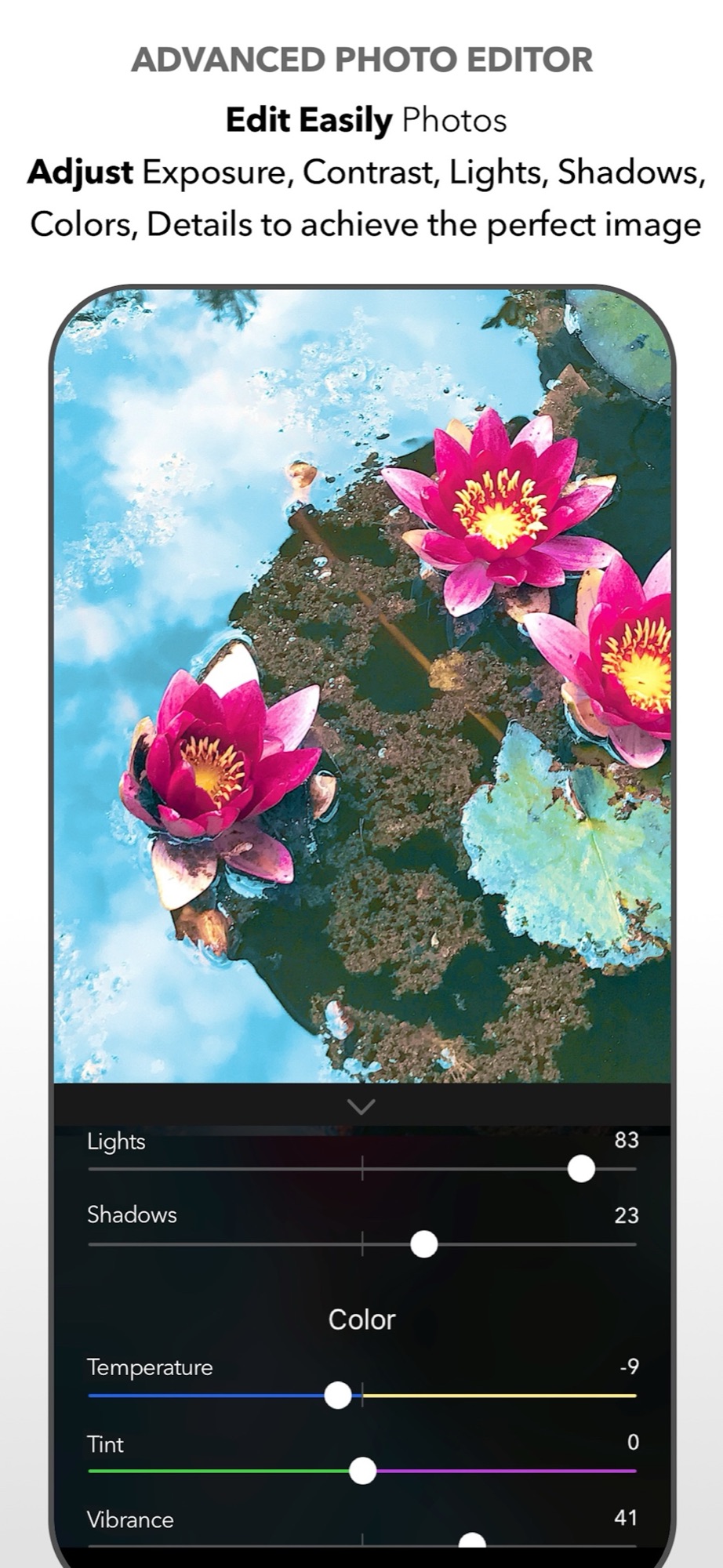
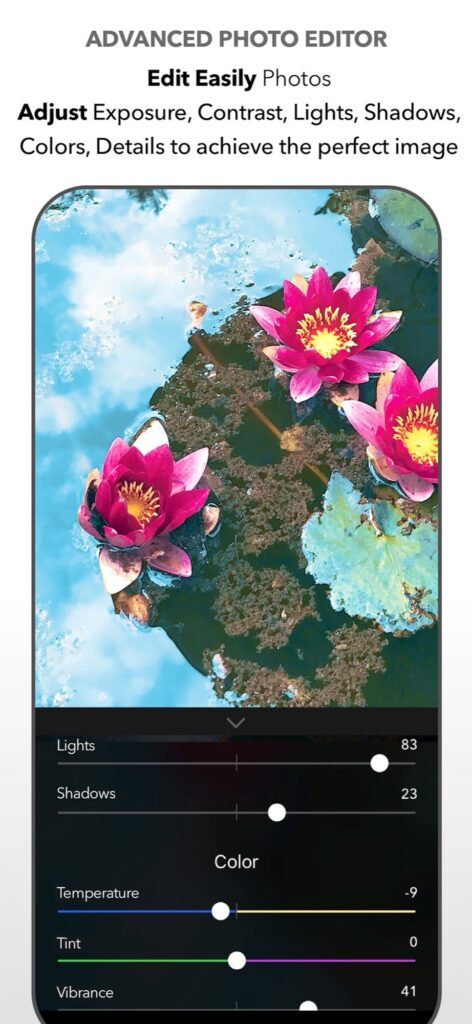
The integrated editor adjusts exposure, contrast, lights, shadows, colour temperature, saturation, vividness, structure, sharpness, photo noise and vignette, and includes tone curves plus tools to crop, resize and straighten. Version 12 redesigned it with a more consistent interface.
Work in this order: exposure first, then lights and shadows, then colour. Finish with noise and sharpness, in small amounts.
See the complete feature list in the DSLR Camera overview.
Check whether RAW improves this particular image
Use a static scene with a bright window and a darker object. If your camera supports it, save a RAW version and a standard-format reference without changing framing or light. Keep the originals. In the editor, first match overall brightness and white balance, then compare highlight detail, shadow noise and edge texture.
RAW cannot recover highlights that were clipped at capture and cannot undo motion blur. A computationally processed standard image may look better immediately. Choose RAW when the extra control gives a result you actually need, not simply because the file is larger. Verify that the app and camera offer the selected format; 48 MP and RAW are separate capabilities and their combination is not universal.
Sources and availability
Facts checked on 20 September 2026 against the DSLR Camera listing on the App Store, version 12.0.1 release notes. RAW and 48 MP capture depend on the iPhone model and camera.
Your learning path: from capture to editing
Follow the sequence or choose the problem you want to solve. Scheduled lessons become links when published.
- Manual camera controls on iPhone: shutter speed, ISO, focus and white balance
- Night photography on iPhone: using shutter speed and ISO after dark
- Use Apple Watch as a remote shutter for DSLR Camera
- Hands-free selfie timer on iPhone: start the countdown with a gesture
- AR Portrait: using the iPhone LiDAR sensor for creative portraits
- Bokeh on iPhone: control background blur before and after the shot
- How to take the perfect jump shot with your iPhone
- Shooting RAW on iPhone: when it helps and how to edit the file
- Edit a photo on iPad with DSLR Camera: a practical order of adjustments
- AI photo filters on iPhone: how Predictive Filters choose for you — scheduled: 20/11/2026
Take control of your iPhone camera
Manual controls, RAW, 200+ filters and an advanced editor in one app for iPhone, iPad and Apple Watch. Updated since 2014.
Get DSLR Camera on the App StorePaid app. Feature availability varies by iPhone model, camera and iOS version.