
Give each session a clear job
Consider two example projects: a website and a command-line tool. In the first, a coding session inspects a page component. In the second, another session investigates a failing test. These are illustrative tasks; Agent Quest does not assign or coordinate them.
Open those sessions through your usual coding tools and keep their tasks distinct. If two agents edit the same checkout, you still need your normal branch, worktree or coordination practice. A shared dashboard does not protect files from simultaneous edits.
For an initial walkthrough, read-only tasks are enough. They let you identify both sessions without changing project files just to make the village move.
Identify the party before watching the scene
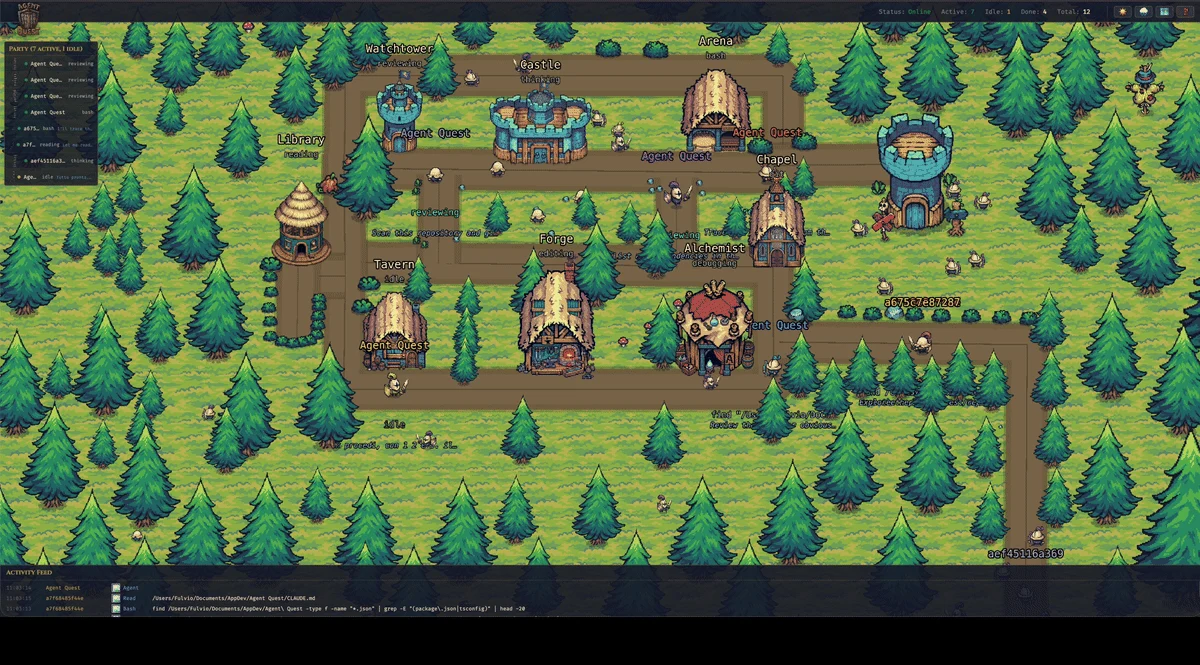
Use the party bar to choose a session, then check its details against the project you opened. Provider badges can distinguish Claude Code and Codex when shown. The underlying session state also retains its provider and configuration-directory identity, which helps represent multiple supported installations.
Do not rely on a hero’s position alone to identify a task. Two agents can be reading at the same time and share the Library as a destination. Project context and the selected session’s details are more informative than where the characters stand.
Follow a change, then inspect the evidence
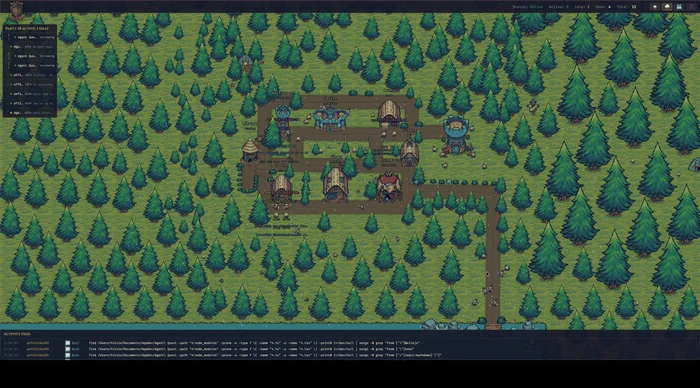
Suppose the website session moves from reading to editing while the command-line project is running a test. The village gives you an overview; select the relevant session to inspect its current file or command when available. Use the activity feed to follow recent reported actions.
If a test command finishes, inspect its result in the original coding tool. If a session waits, check whether it needs your input. An idle or completed state is not proof that the requested feature works, and a busy state does not measure useful progress.
A practical routine is to glance at the village between your own tasks, inspect only the sessions that need attention, and return to the terminal for decisions. You do not need to follow every animated step.
Keep monitoring separate from review
Before accepting a change, read the diff and run the checks appropriate to that project. Before merging work from separate agents, verify that the changes fit together. Agent Quest helps surface activity; it does not certify test coverage, resolve conflicts or judge the answer.
The built-in map editor lets you change the village layout. Keep the activity-to-building meanings recognizable if you use the scene as a daily reference. Customization should make the overview easier for you to read.
If one session never appears while another works, troubleshoot that provider’s local log discovery first. Reinstalling the whole dashboard is rarely the most informative first check.
Based on the project README and source at revision 6c32b29, reviewed 10 October 2026. Check the current repository for later changes.
Try it with your own sessions
Next: Agent Quest Shows No Agents: A Step-by-Step Troubleshooting Guide