
Start with a recognizable record
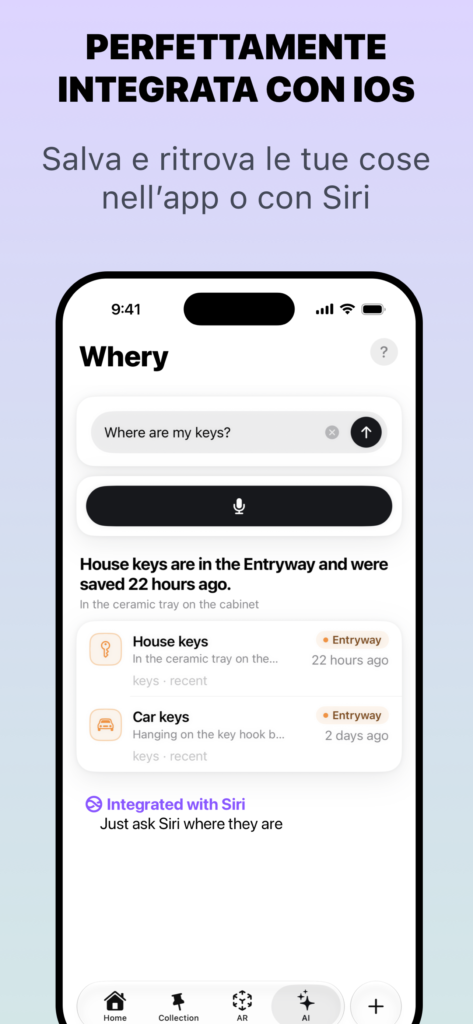
Save one simple item on your iPhone: “bike light charger — garage, blue box on the shelf”. Open its record and check that the location matches reality. One precise record is enough to test the workflow.
Open Whery on Apple Watch and allow its archive to arrive through iCloud. The home screen shows a compact list of recent items, rather than necessarily displaying the entire inventory. Use search if your item is not in that list.
Look it up from your wrist
Tap Find and dictate a recognizable name or detail, such as “bike charger”. Review the results and open the matching record to read its location. The details you saved help distinguish two similar accessories.
An empty result does not mean the physical item has disappeared. Try a word from its saved name and compare the archive on your phone. Whery searches recorded information; it does not automatically locate items you never saved or track physical movement.
Understand the Premium boundary
Looking up and reading items on Apple Watch is available in the free version. Adding or changing records on the watch requires Whery Premium and verification of the access purchased on your iPhone.
With Premium, open Save, dictate what you are putting away and where, review the proposal and confirm. For example: “I put the travel adapter in the study drawer”. Check both the item and location before saving, especially when several places have similar names. Premium is not needed for the first lookup exercise above.
If the watch appears empty
Check that your archive is present on your iPhone and that iCloud is available. The app can show that it is waiting for synchronization or ask you to sign in to iCloud on your phone. A change on one device does not guarantee an immediate update on another.
Try an item that has already synchronized before saving it again. Do not delete and recreate your archive to resolve a pending sync. The exercise succeeds when the watch record leads you to the correct place without consulting your phone.
Availability and further reading
Based on the App Store feature description and implementation reviewed on 10 October 2026. Screens and availability may vary by version and device.
Whery is free within its stated limits; writing from the watch requires Premium.