
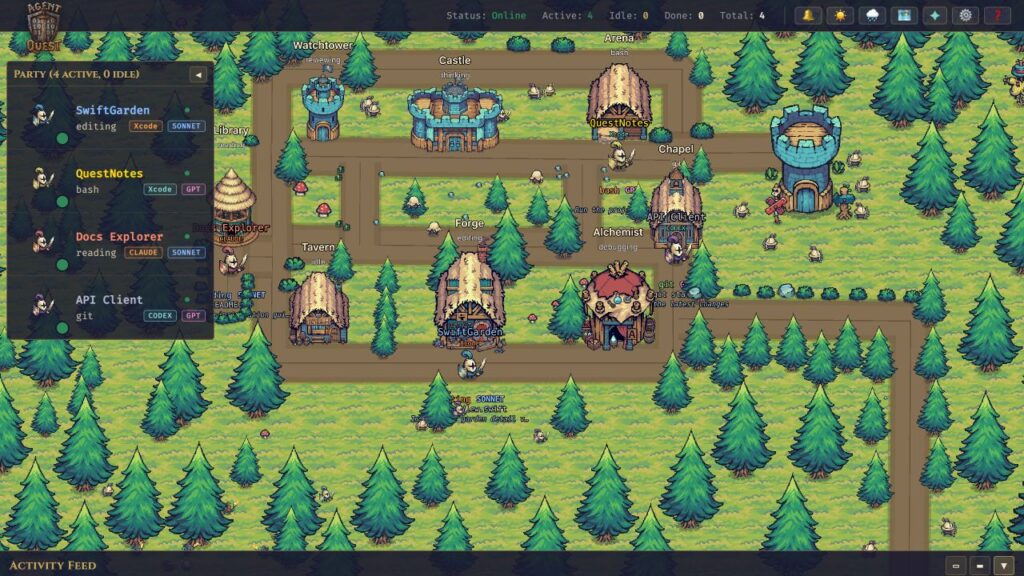
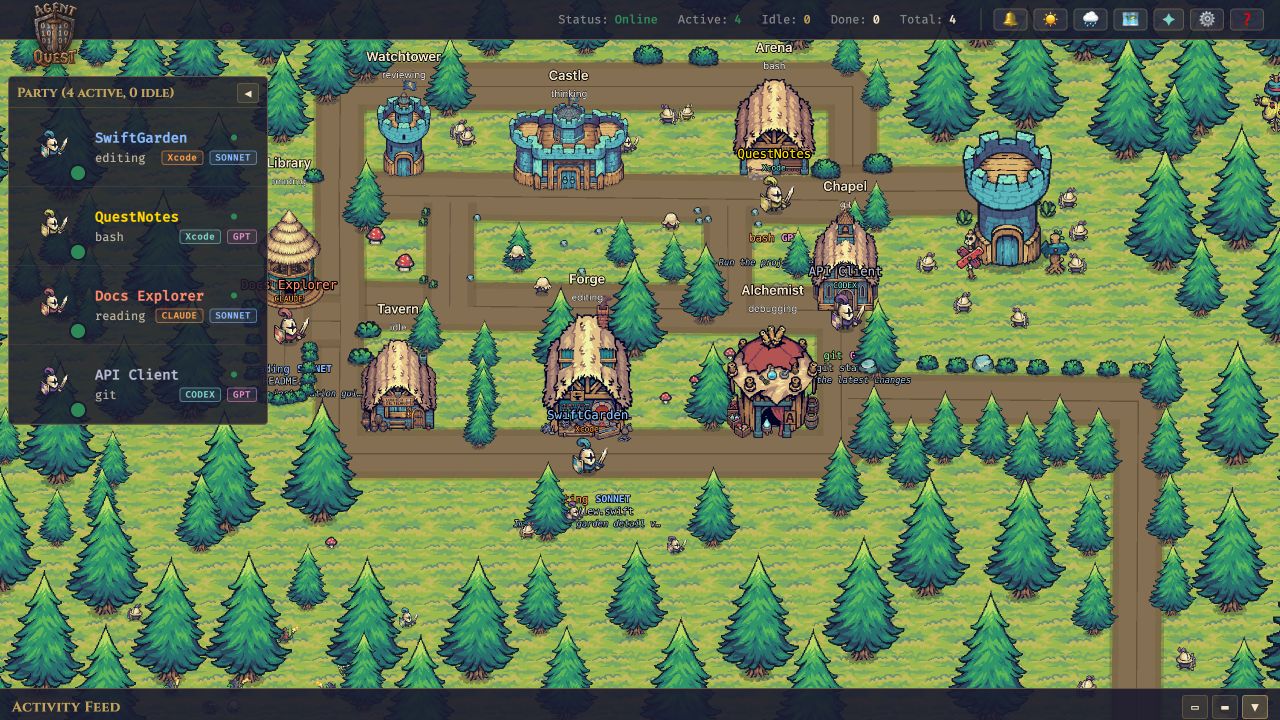
From a prompt in Xcode to the village
Run Agent Quest on the same Mac and under the same user account as Xcode. Choose Claude Agent or Codex inside Xcode, send a prompt and let the agent work: the dashboard discovers compatible local logs and shows the session, normally within the 2–3 second polling interval.
Reading and searching send the hero to the Library, edits to the Forge, builds and tests to the Arena, and issue diagnostics to the Alchemist. Follow those sessions alongside agents started outside Xcode.
Agent Quest remains an open-source dashboard running with Bun in your browser. It reads the activity available in local logs; it does not control Xcode, check an agent’s account sign-in, or automatically cover every chat provider in the IDE.
An Xcode badge and a project name
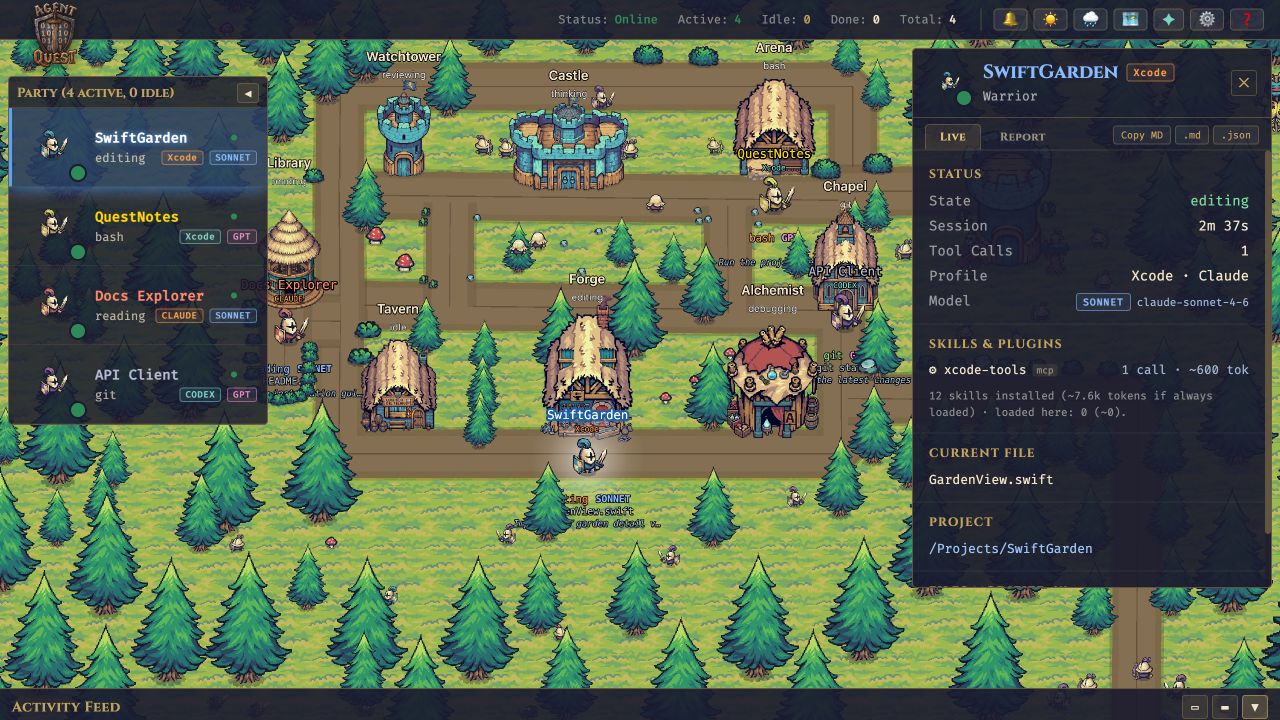
An Xcode badge identifies the session in the village, agent list, details and activity feed. It stays visible even when the village contains only one provider.
Main sessions use a name derived from the project path, while the profile distinguishes Xcode · Claude and Xcode · Codex. The model is still shown separately. An external agent using Xcode tools keeps its terminal or app session identity.
More reliable updates while agents work
Agents write their logs while work is still in progress. Version 0.4.0 waits for complete lines before reading them and recognizes Codex calls recorded at both invocation and completion, avoiding double counting.
Claude started inside Xcode is tracked through transcript activity without depending on terminal process registrations. New folders are discovered after startup too: if Xcode creates its logs only after the first prompt, Agent Quest can find them without restarting.
If a session does not appear, send a new prompt and check that its logs exist and are readable under the same macOS account. Files last updated more than three hours ago are skipped at startup and picked up when they resume writing. The storage paths and further checks are in the project README.
A clearer startup
A loading screen appears immediately and follows asset loading, connection and map preparation. The village and panels appear after the first complete frame is ready, so the interface no longer arrives ahead of the scene.
If village initialization fails, a useful message is shown. The loading screen also respects the system’s reduced-motion preference.
How to update to 0.4.0
Stop Agent Quest with Ctrl+C in its terminal, then run:
agentquest update
agentquest
For a manual installation, run these commands from the project folder:
git pull --ff-only && bun install
bun start
Refresh the dashboard after restarting. These commands follow main, which may include changes newer than the announced release. Preserve and resolve any local changes if Git reports a conflict.
Version 0.3.1 can announce the new stable release in the dashboard. Context monitoring, skills and plugins, subagent families, reports and the map editor remain included.
Source: Agent Quest v0.4.0