
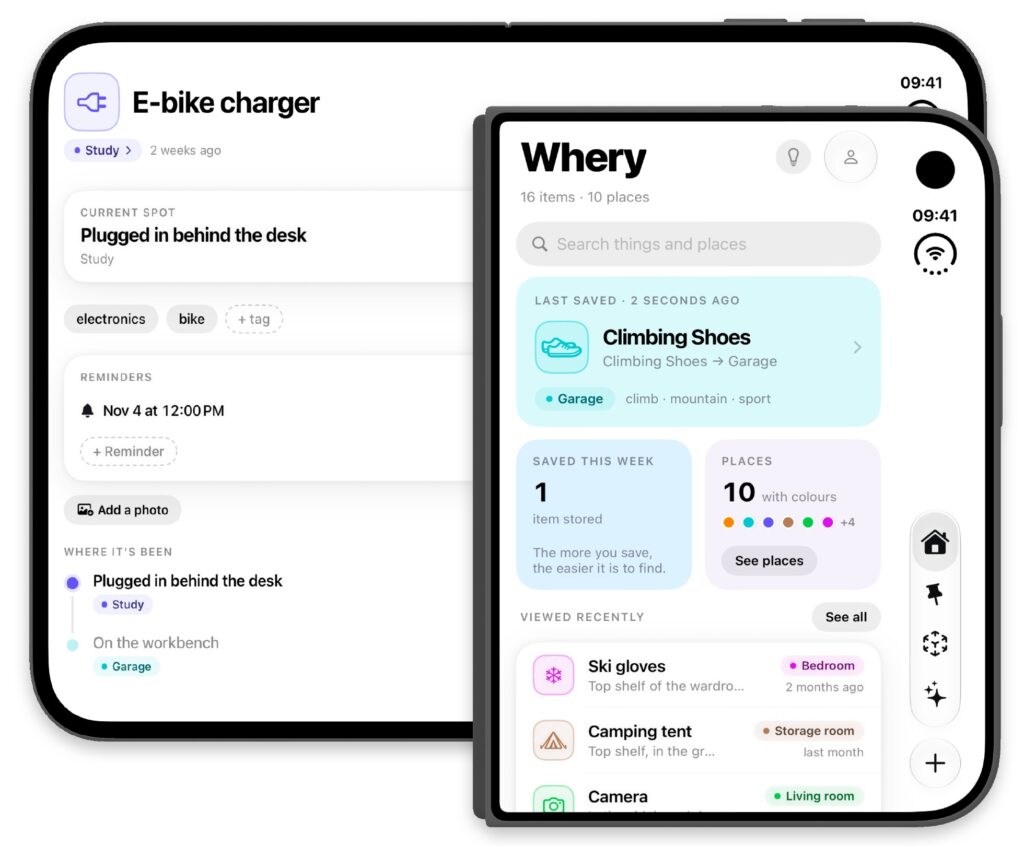
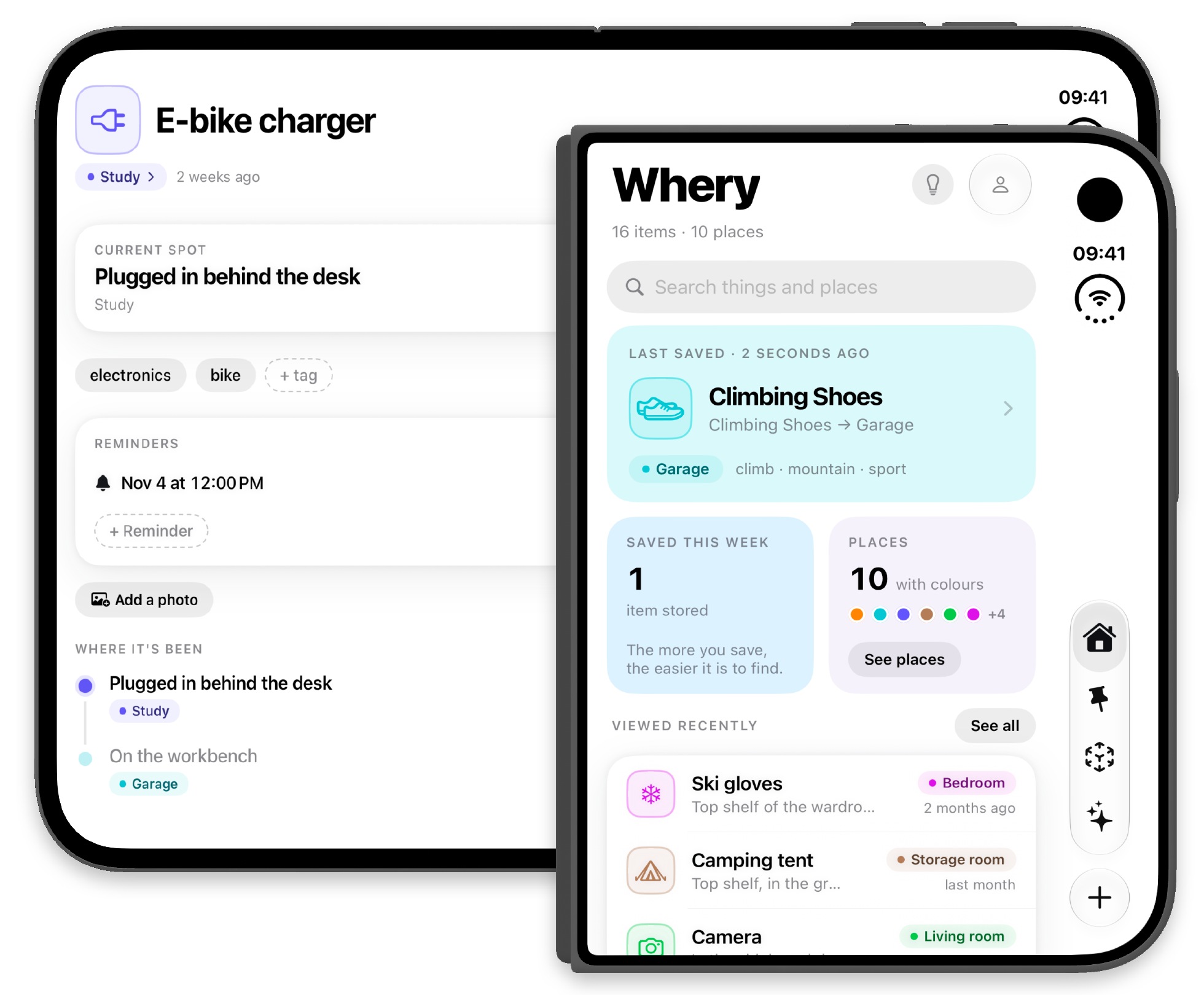
Today, October 23, iPhone Duo arrives in Italy. Whery is ready from day one with an interface designed for its two displays. Support has been included since version 1.2, released on October 12: once you have set up your new iPhone, you can start using it.
Your belongings on a new screen
Opening and folding iPhone Duo changes the space available. Whery adapts navigation, item grids and key controls to the outer and inner displays, keeping the information you need at the centre: your saved items and the places where you left them.
The new format gives you a different way to browse your inventory. The useful habit stays the same: record a precise location when you put something away, so you can retrieve it without relying on memory alone.
If you already used Whery on your iPhone
Install or update Whery from the App Store. To find your inventory, use the same Apple Account and check that iCloud is enabled for the app. Allow time for synchronization, then check that your saved items and locations have appeared.
Before adding new entries, search for an item you know well and open its details. It is a simple way to get familiar with the new device and check that the information you need is available.
If you are starting today, choose one item
Setting up a new phone often leaves cables, accessories and packaging on the table. Choose something you will keep but might not use for months, such as an adapter or a cable for another device.
Save it in Whery with a clear name, add a photo if it helps you recognize it, and record where you put it. “USB adapter, accessory box in the desk’s second drawer” will be more useful than simply “in the bedroom.”
When you need it, search using the words you remember. Whery helps you retrieve the location you recorded. If you move the item, update its entry to keep your inventory useful over time.
From your first item to everyday habits
You do not need to catalogue everything at once. Add one thing as you put it away: a document, a travel accessory or a box you will open next season. Your inventory grows with the information you choose to keep.
For the changes and the video, read the Whery 1.2 release announcement. For a practical example with several items, try the guide to keeping track of boxes and drawers.