Give the container a useful name
Choose a name you can recognise in the room: “blue box on the garage shelf” or “left drawer in the hallway cabinet”. If several boxes look identical, add a visible label or number and use the same wording in your records.
Start with one container. Emptying and documenting an entire home at once makes the task harder to maintain. The drawer you search most often is a better first project than the cupboard you never open.
Record the items you would search for
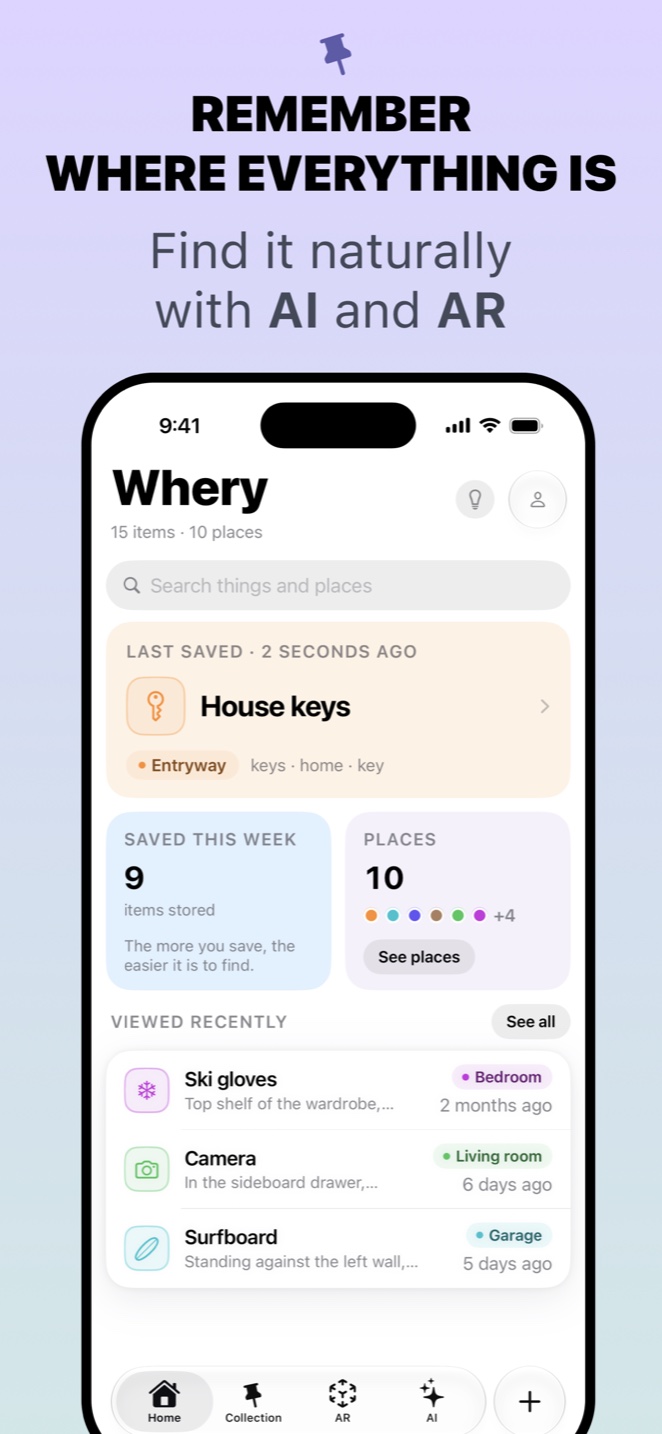
In Whery, save the individual things you are likely to need, then include the box or drawer in their location. Text or a photo can help you distinguish similar objects. A picture of a closed box will not tell you which adapter is inside, so photograph the object before putting it away.
For example, give “bike light charger” and “travel adapter” separate records, even if they share the same box. Later, you can search for the thing you need without remembering which category you used when tidying up.
You do not need an entry for every paper clip. Prioritise things that are easy to misidentify, used infrequently or expensive enough that you would rather find them than buy another. Keep the description short enough that you will actually update it.
Make moving an item part of the routine
When an object changes container, update its saved location. If the entire box moves, review the records that refer to it; do not assume old descriptions will change automatically. Keep the physical label and the digital description consistent.
Before finishing, choose one saved item and try to locate it using only the record. If you reach the right box without guessing, the system is doing its job. The aim is a usable memory of your storage, not a perfect inventory assembled in one afternoon.

Save your first item today
Whery keeps what you own and where you put it in one searchable place, with text, photos, voice and optional AR pins.
Download Whery free on the App StoreFree to download and use, with optional Premium purchases. Feature availability varies by device and software.