When AirTag and Find My fit
Apple’s AirTag guide explains how an attached AirTag can help you locate a personal item through Find My, view its location and play a sound. Finding nearby items with distance and direction depends on compatible devices and available features.
That is useful for belongings that travel, such as a backpack. An AirTag is a physical accessory attached to an item; Find My also supports compatible Apple devices and network accessories. Whery does not replace those location signals or make an untagged object appear on the Find My map.
When a saved location is more useful
Consider a replacement furniture fitting stored in a labelled pouch. You may not need a tracker on that individual part. You need to remember which pouch, cupboard and room contain it. Whery saves that relationship as an item record, with a photo and details that help you recognise it later.
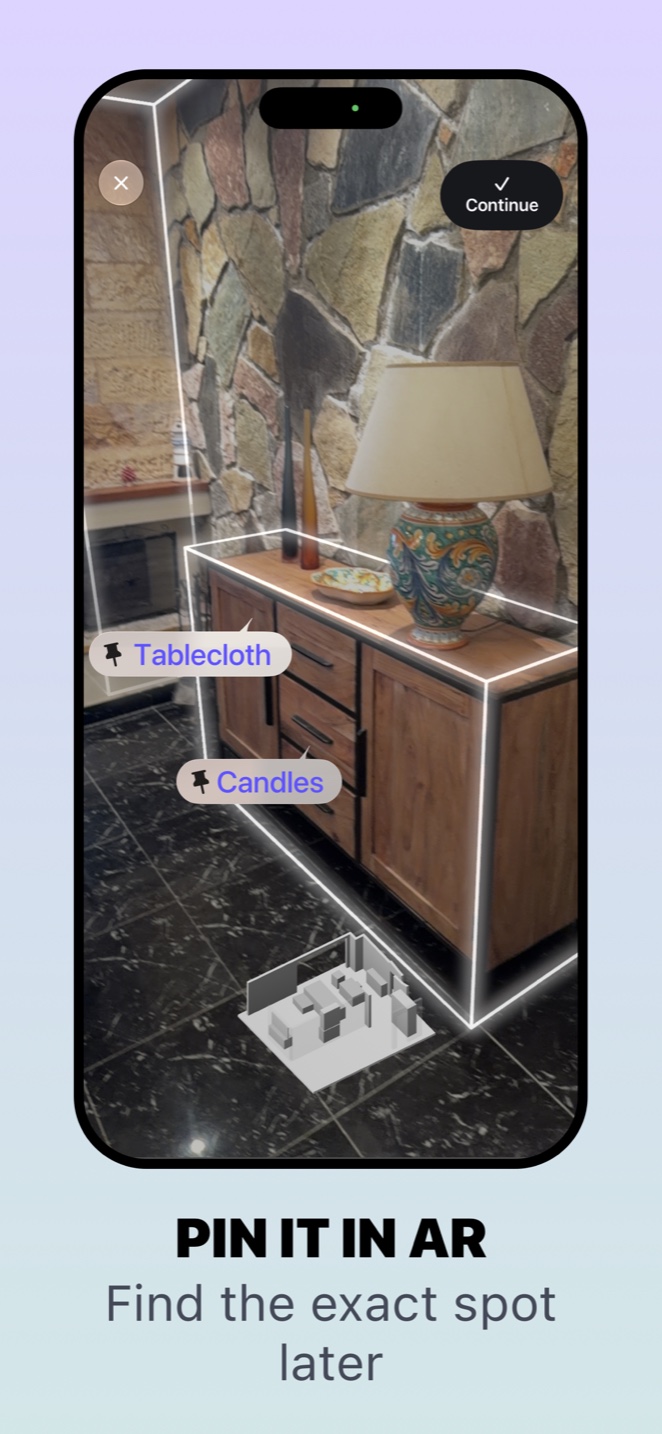
Its AI features can help turn your description into proposed records and search your saved collection in natural language on supported devices. Optional AR pins provide another reference to a point you saved in a room. The pin depends on the environment being recognised again: it is not a radio signal from the object and does not update itself when the object moves.
Can the two approaches work together?
Yes, as separate tools. You could attach an AirTag to a suitcase and use Whery to record where its removable strap and packing accessories are stored at home. One helps locate the tagged suitcase; the other keeps useful storage details for associated belongings.
Keep each saved location accurate. If someone moves the strap to another cupboard, update the Whery record. If you never saved an object, Whery cannot reconstruct its whereabouts simply because you ask for it.
Try the approach that matches the problem
For a moving item, review Apple’s current Find My and AirTag requirements. For an object you deliberately put away, try recording its name, photo and place in Whery, then searching for it later.
The Whery introduction shows the save-and-find workflow. Download it free to start a small collection; optional Premium purchases increase limits and unlock the full Apple Watch feature set.
Sources and availability
Facts checked on 20 September 2026. Apple: AirTag and Find My; Whery on the App Store.
Using Whery for this task
You can apply these steps to the records you save in the app. Check the name and location before relying on a search result.
Download Whery on the App StoreFree download, with limits in the free version and optional Premium purchases. Features depend on your device and software.