
Choose one small collection
Gather five accessories for one hobby: bike lights, a pump, a multitool and two chargers, for example. Put them on a table and decide what details will help you recognize them a month from now.
Open Whery on your iPad. If you already use it on your iPhone, check that both devices use the same iCloud account and allow existing records to arrive. Avoid immediately recreating the same items: an empty collection at first launch may simply mean synchronization is still in progress.
Give each record a useful name and location
Save a distinctive name and the place where you will actually keep the item. “Rear light charger” and “helmet light charger” are more useful than two records called “charger”. “Garage, upper shelf, bike box” is more useful than “garage”.
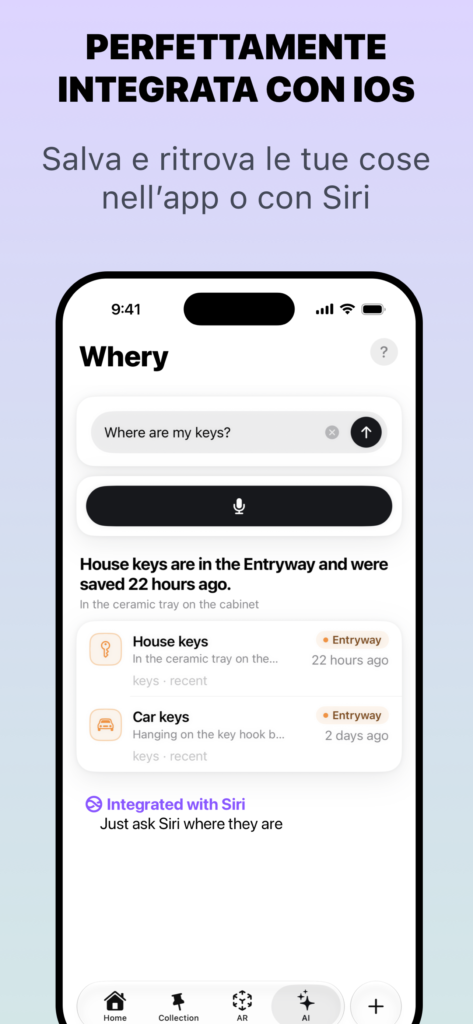
Use text, voice or a photo through the available capture flow. If you start from an image, review the proposed items and correct their names before saving. A photo helps identify an accessory but does not replace a written location. AI features depend on compatible hardware and software.
Check the archive on both devices
After saving the five records, search for one on your iPad and then on your iPhone. iCloud makes the archive available across your devices; it is not a promise of instant updates. Offline access concerns data already available on that device.
If an update is missing, check the connection and account before adding a duplicate. This exercise only needs names, places and photos; AR pins are optional. Room scans have their own synchronization settings and should not be confused with looking up a basic item record.
Try finding an item the next day
Put the items away, then retrieve one using only its record. If several boxes still look equally likely, make the recorded location more precise. If two chargers are hard to distinguish, add a detail or clearer photo.
Update the location when you move an item. iCloud synchronizes what you record; it cannot know that you physically moved a box. A small, maintained collection is more useful than a huge inventory of how your home used to be arranged. The free version supports this exercise within its limits; Premium is optional.
Availability and further reading
Based on the App Store feature description and implementation reviewed on 10 October 2026. Screens and availability may vary by version and device.
Whery is free within its stated limits; writing from the watch requires Premium.