
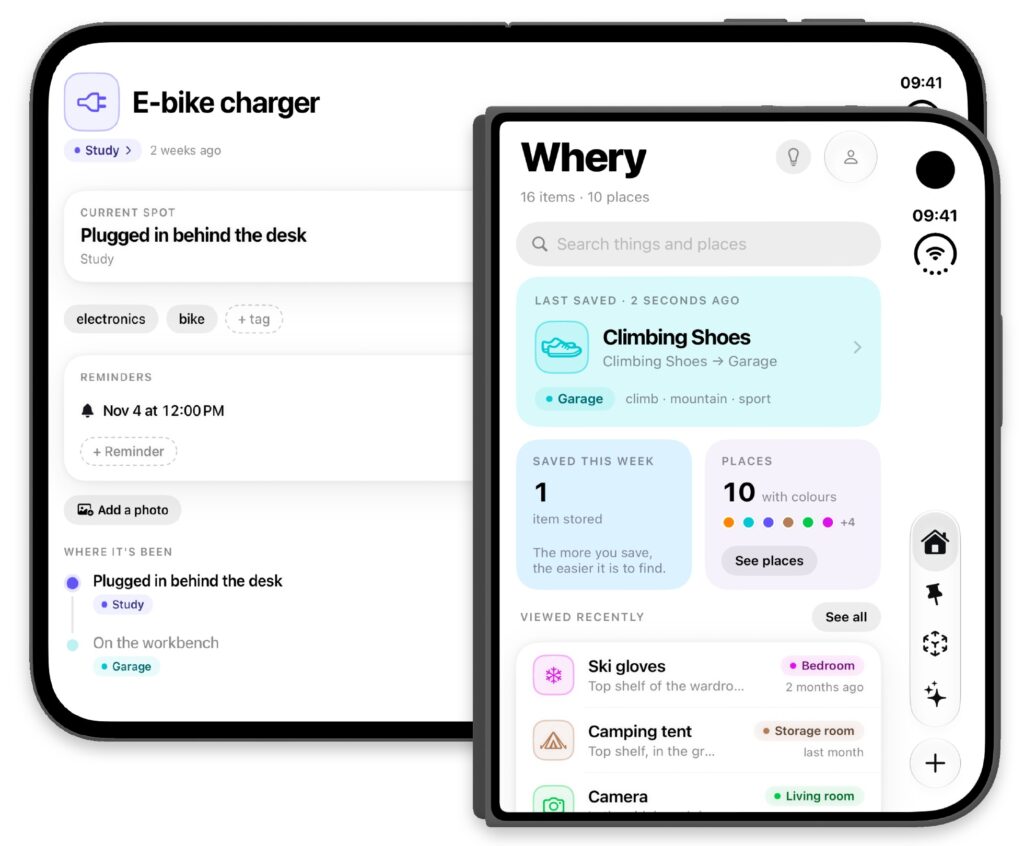
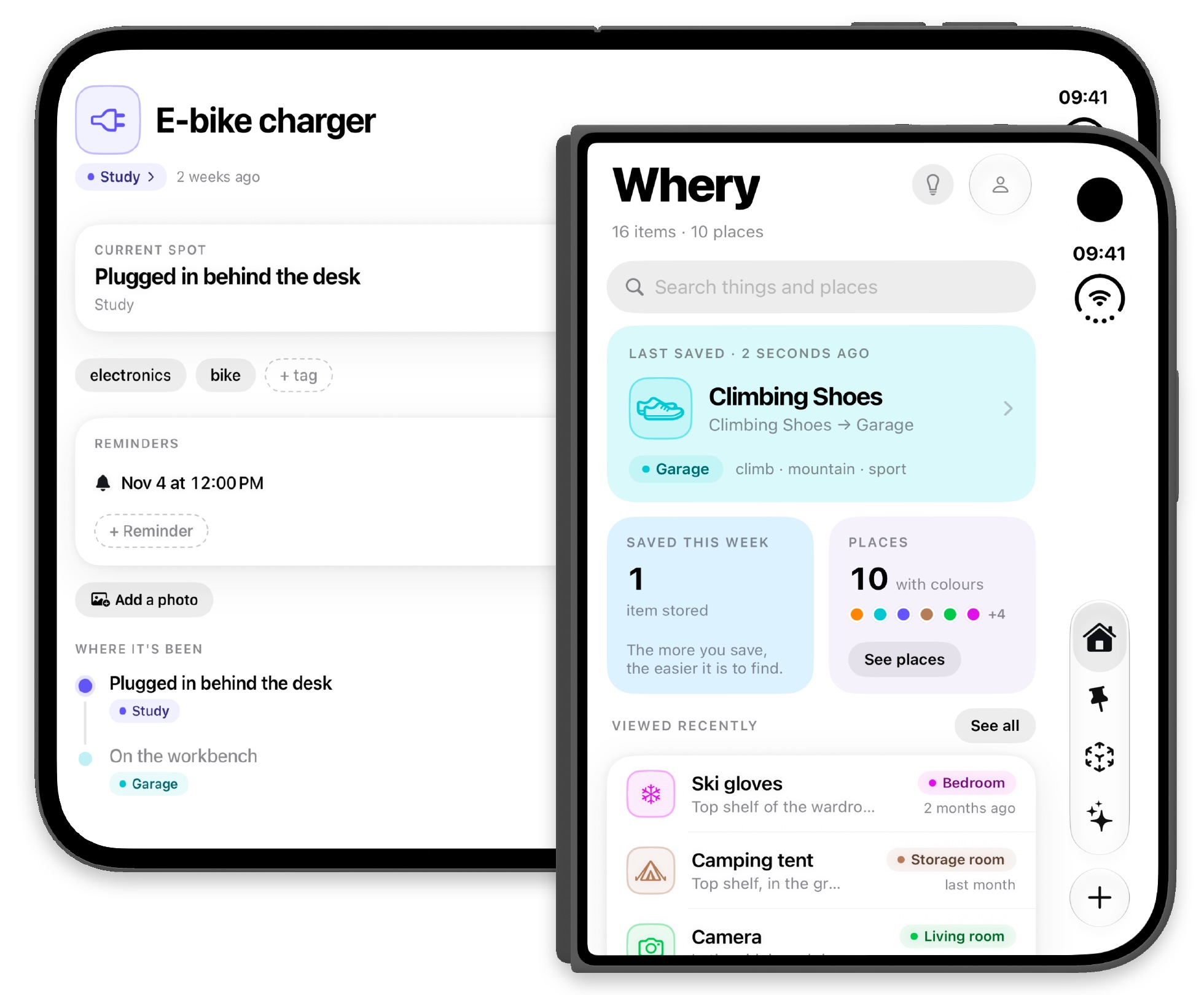
Whery supports iPhone Duo with an interface that adapts to its outer and inner displays. That support has been available since version 1.2. Version 1.3 builds on it with more colors, actions for managing several items together, and improvements to voice recording and AI.
Whery 1.3 is available on the App Store. Here is what changes in the new update.
Four new colors for items and places
Red, yellow, olive and slate join the eight colors already available. Choose a different shade to distinguish a place or personalize an item, while keeping the colors you have already assigned.
An accessory box, a document drawer or an item you want to recognize at a glance: there is more choice, without changing the appearance of your existing entries.
- Red
- Yellow
- Olive
- Slate
Several items, one action
In Collection, you can select multiple items and move, archive or delete them together. It is useful when you reorganize a drawer, sort a box or want to update a group of items without opening each entry.
Whery asks you to confirm before applying changes, giving you a chance to check the selected items and the action you are about to take.
More time to describe where things are
AI voice recording gives you up to five minutes to describe your items and keeps listening through pauses. Take a moment to remember a name or look inside a box, then continue your description.
The update also improves how Whery understands locations and questions about your things. Automatic icons match item names more accurately, making entries easier to recognize.
The same idea, more convenient every day
On iPhone Duo and other compatible devices, the starting point stays simple: save where you put something and retrieve that information when you need it. Version 1.3 adds small tools to help keep your inventory organized and adapt it to your habits.
For a closer look at the two-display layout, read getting started with Whery on iPhone Duo.