
№ 031Travel documents
You put it somewhere.
Whery remembers where.
Save it in seconds. Ask in your own words. Find the spot you saved.
Download on the App StoreNo Whery account · On-device AI · Private iCloud sync
The passport, the week before the trip. The spare charger. The box you labelled misc when you moved. The drill you put somewhere sensible.
You didn’t lose any of it. You just don’t remember where you put it.
Ask
Say it out loud.
Get an answer.
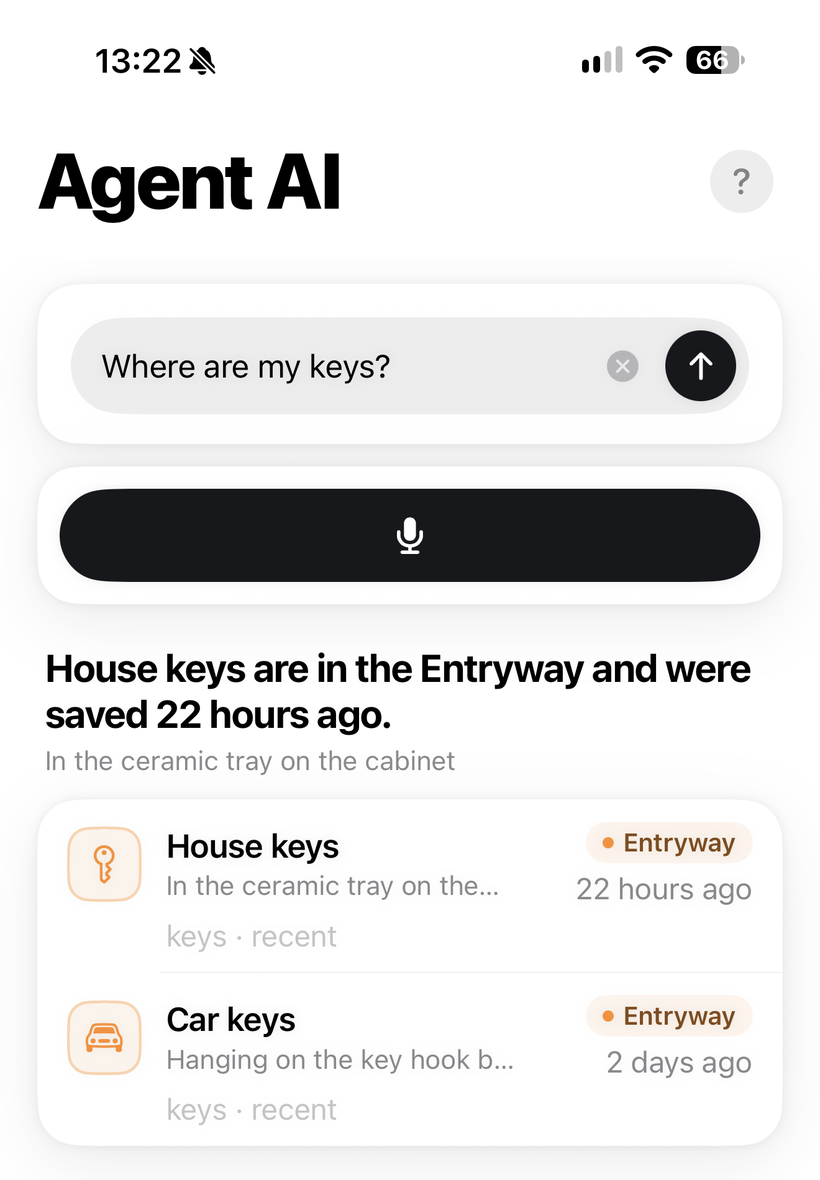
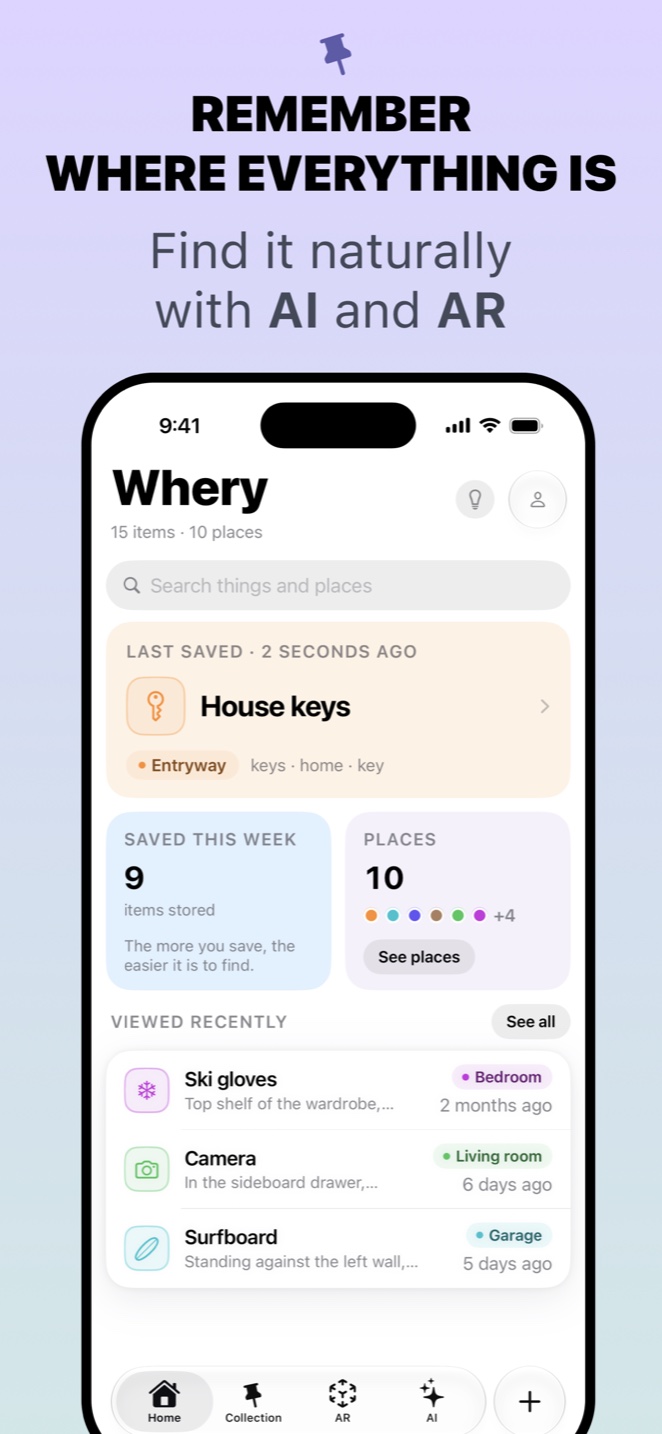
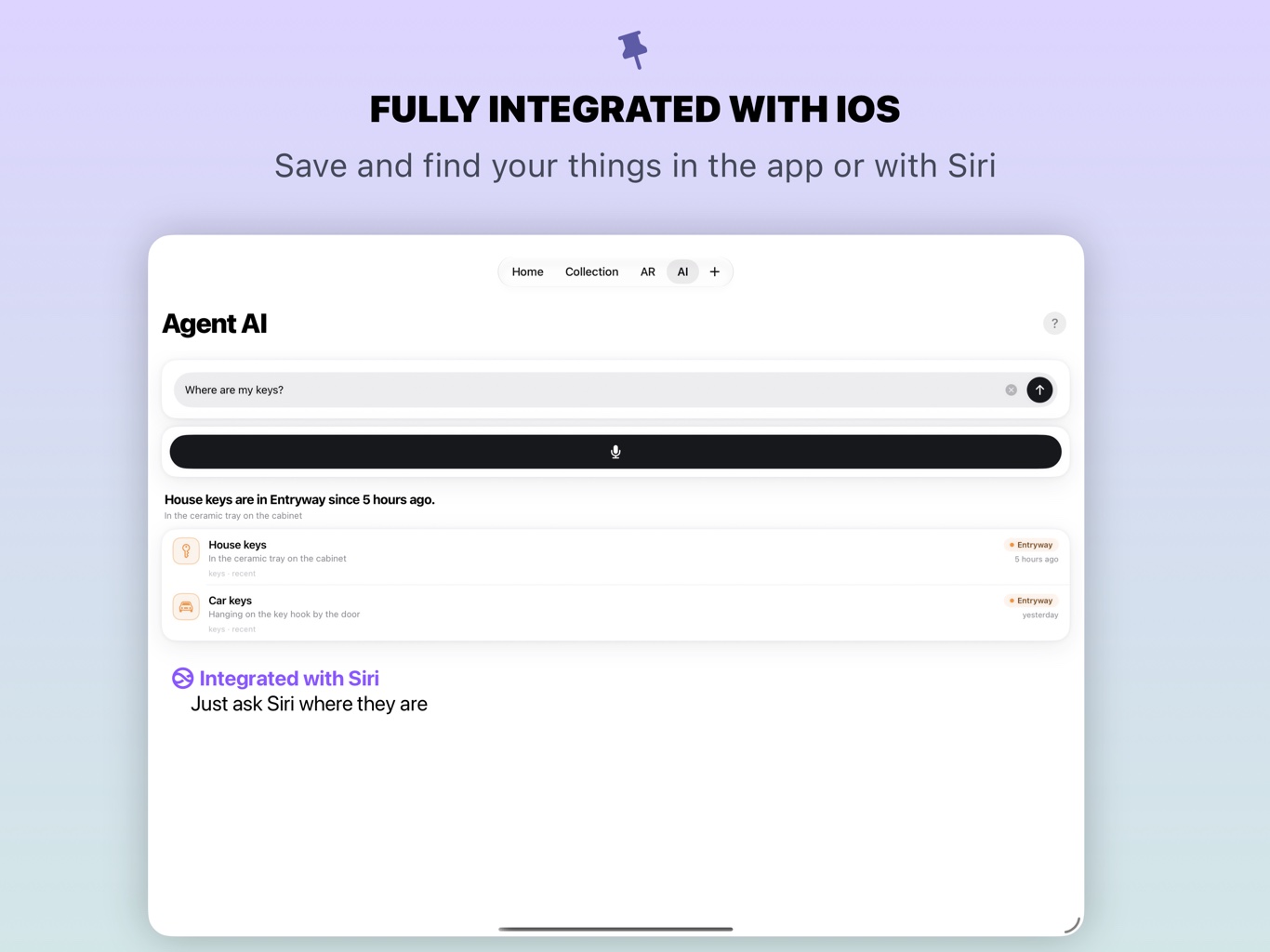
Whery helps you find saved things using natural language: the place, the spot and when you put them there. Search with the details you remember, without browsing every folder.
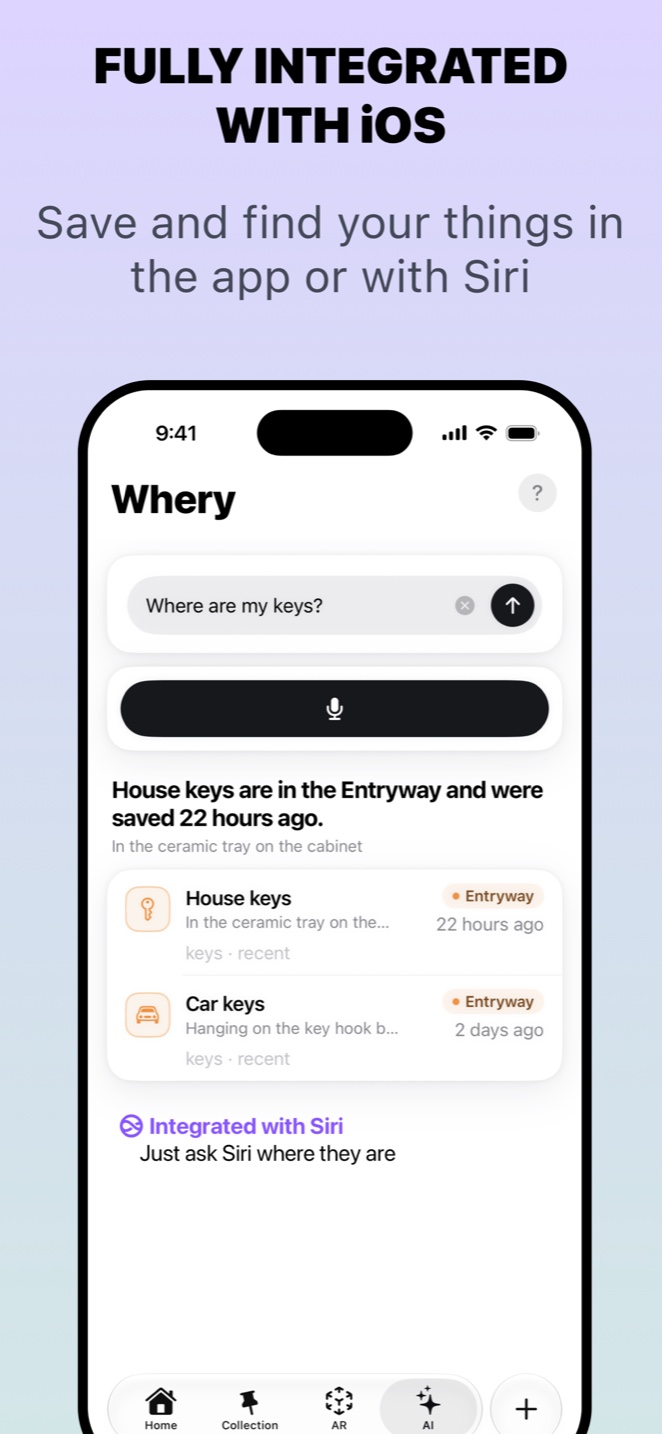
Ask the way you’d ask a person. Vague works too — “the thing for the bike”, “that box from the move”. Whery combines keywords, meaning and photo search to help you find a matching saved item.
Save
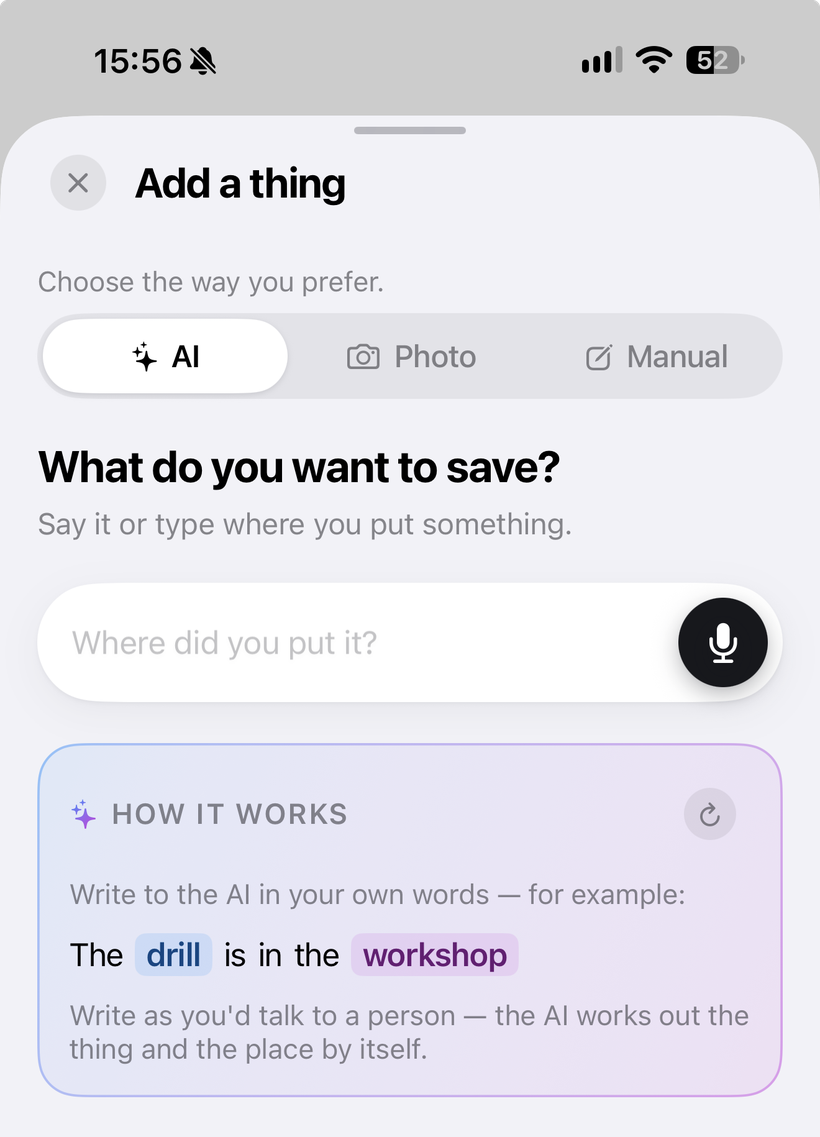
Save it the way you think.
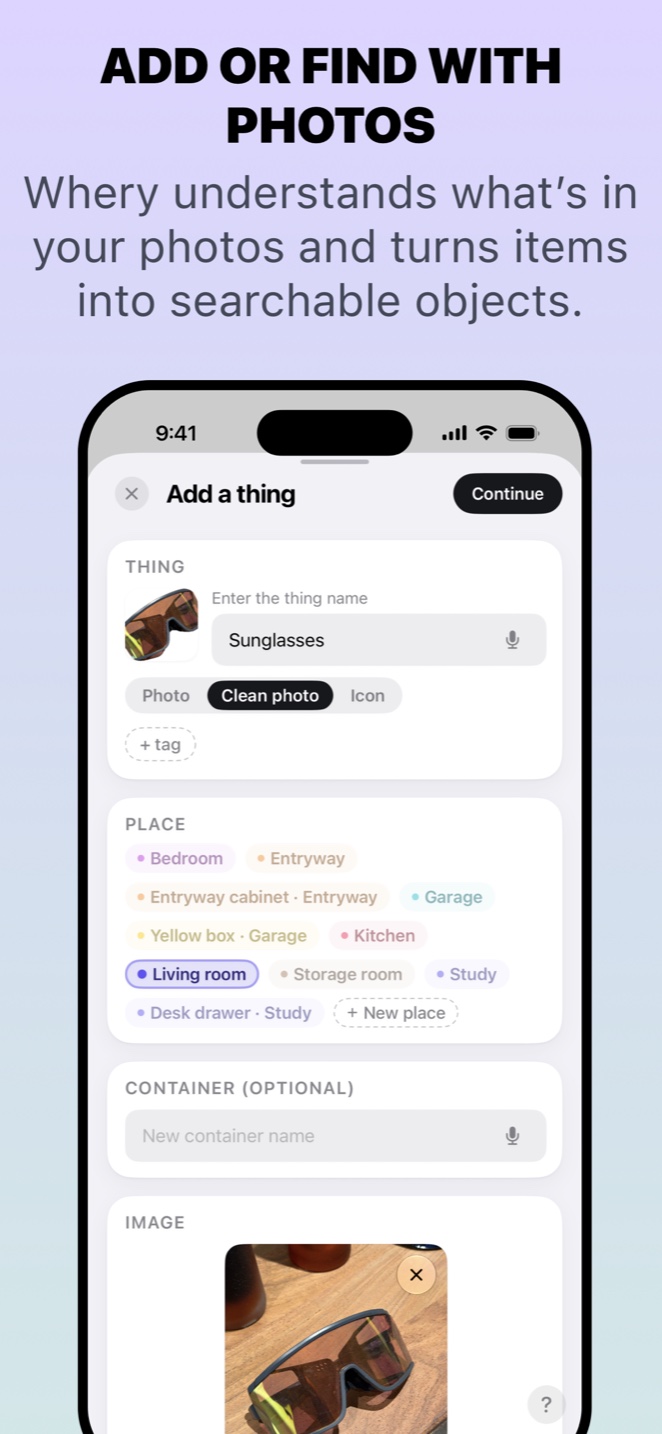
Write “the drill is in the workshop” and Whery can identify the thing and the place. Take a photo to prepare item cards, then check the details and choose what to save.
A quick way to save a useful reminder before you get back to what you were doing.
VoiceMODE
Say it
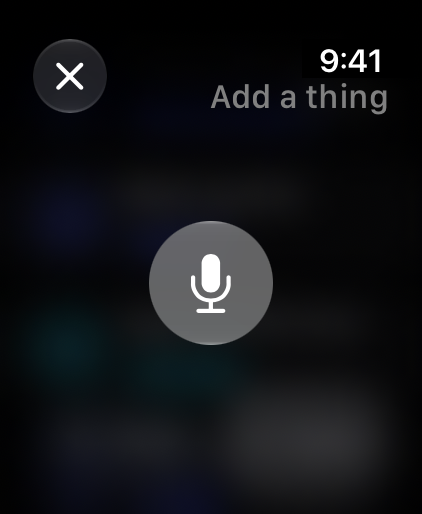
Dictate while your hands are full, then check the words and details before saving.
PhotoMODE
Shoot it
Start with a photo. Check the items Whery suggests and choose what to save.
AR pinMODE
Pin it
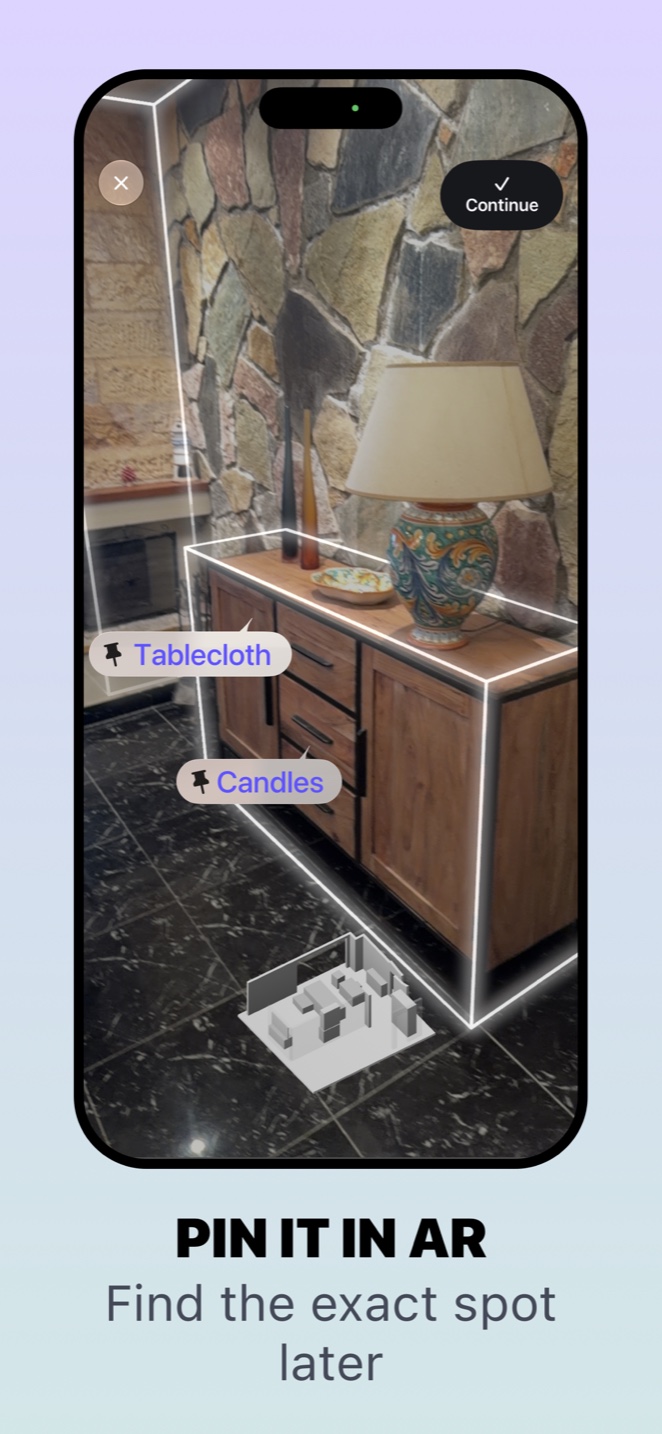
Drop a marker straight into the room, where the thing is.
AI Agent
One sentence.
Everything filed.
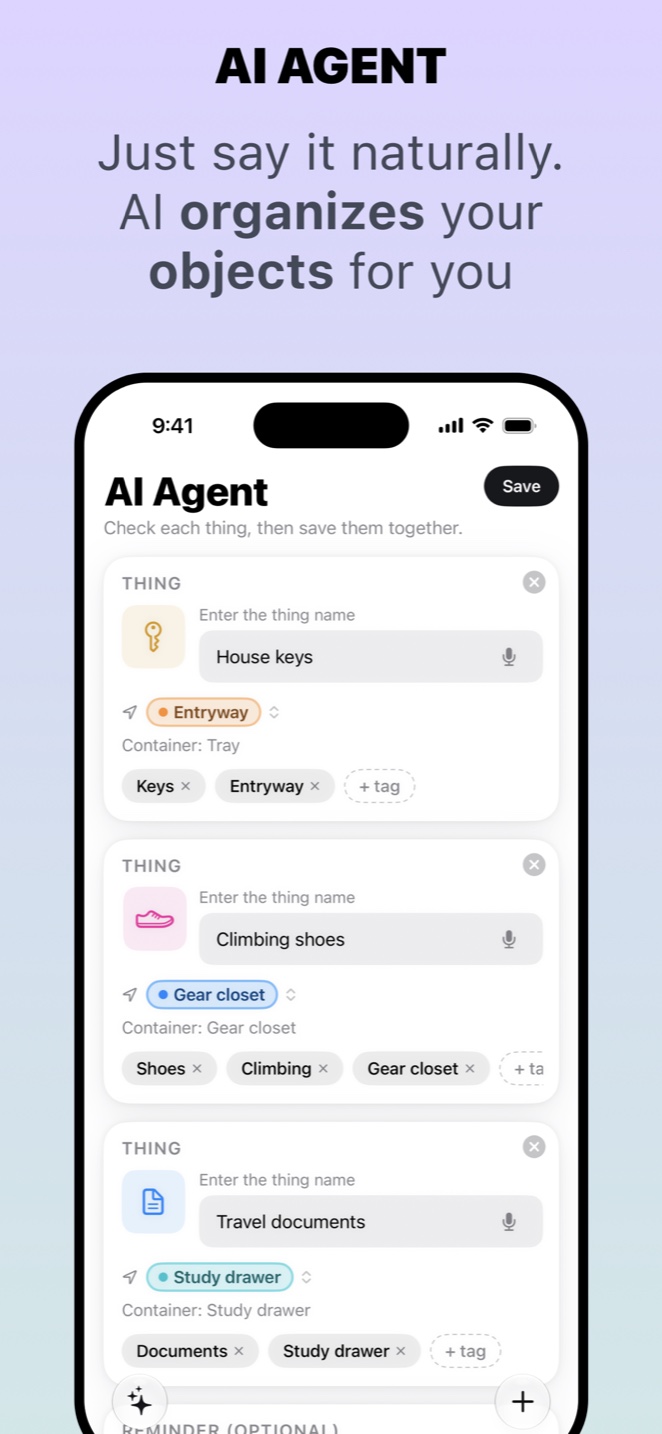
Say where you put several things at once. Whery separates the sentence, identifies every object and every place, and works out whether each one is being saved or moved.
Spoken“I put the house keys in the entryway tray, the climbing shoes in the gear closet, and the travel documents in the study drawer.”
becomes
№ 014THING
House keys
Entryway tray
№ 015THING
Climbing shoes
Gear closet
№ 016THING
Travel documents
Study drawer
Each result comes back as its own card. Check them, fix anything, save the lot with one tap.
Find
Not “in the garage”.
There.
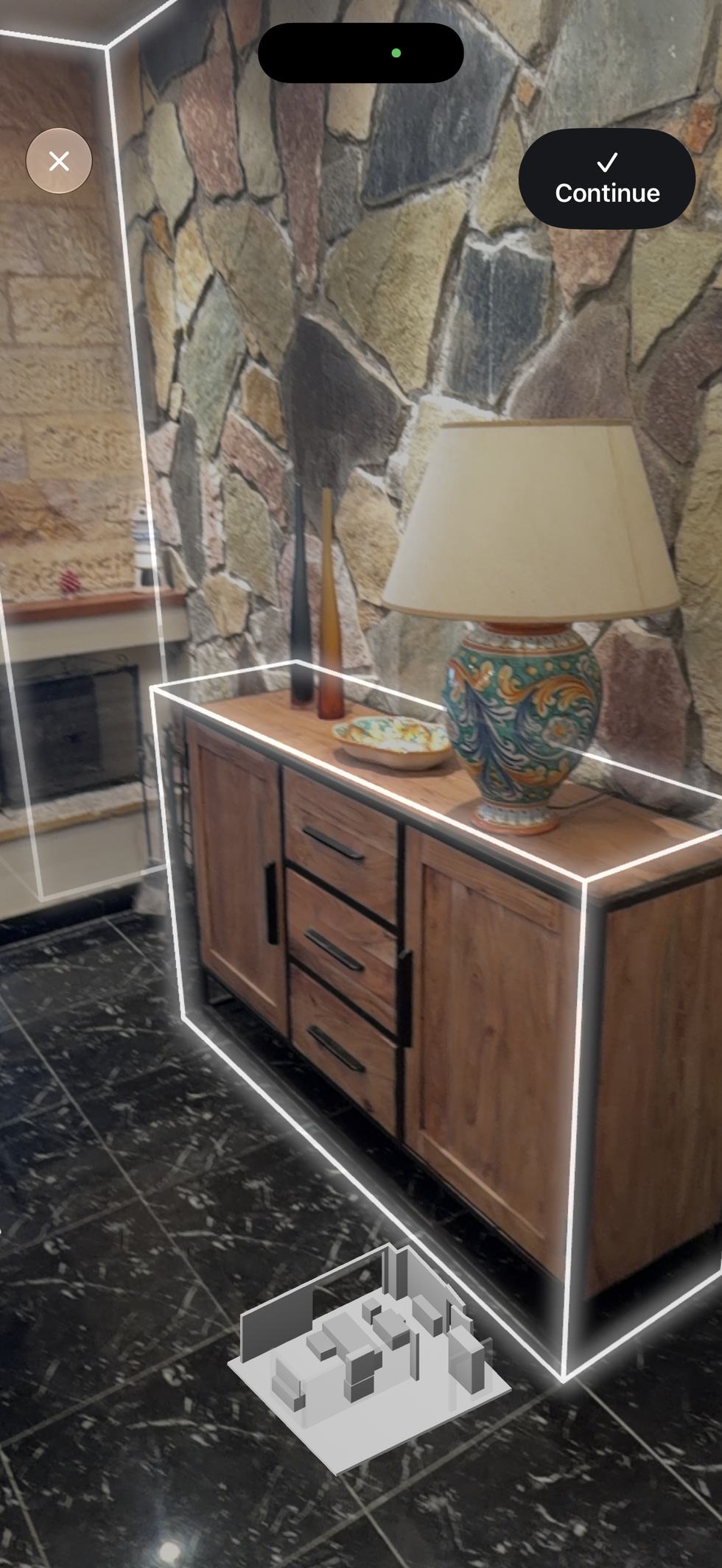
Scan a room and save a pin where you put something. Whery can help you return to that saved spot in augmented reality — including a spot inside a drawer, cabinet or box.
Share
Forgot something at home?
Send someone the exact spot.
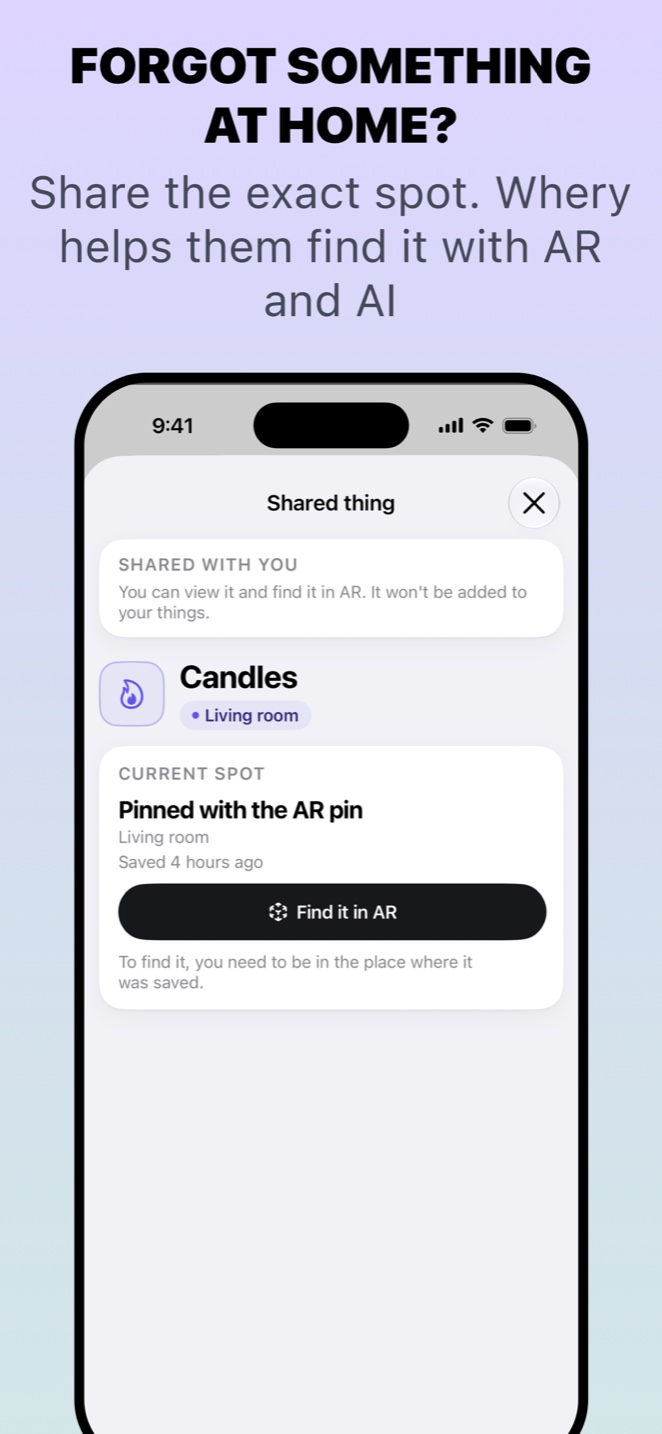
Share a read-only .whery file through AirDrop or Messages. It carries the thing, where you put it, a reference photo — and, when there is one, the AR data that guides them straight to it.
They see what to look for before they start looking.
Everywhere
One private archive.
Everywhere you are.
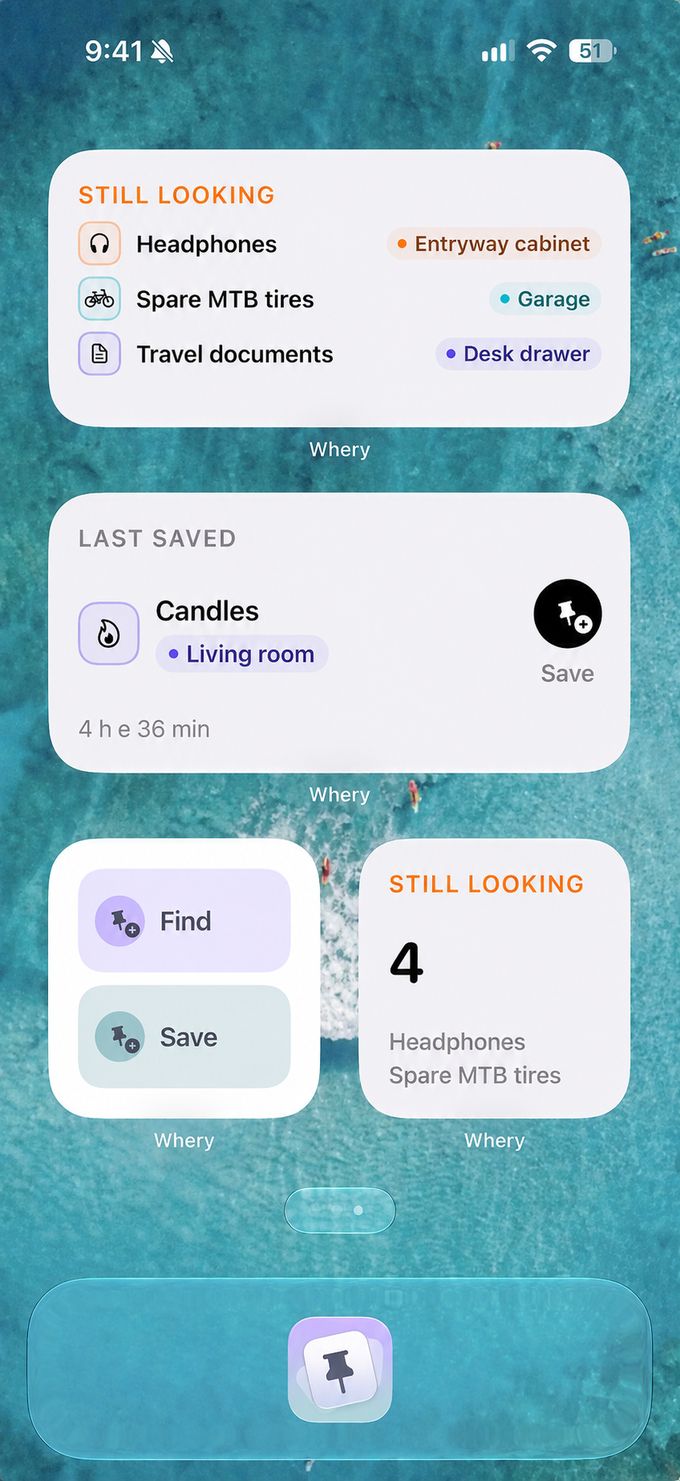
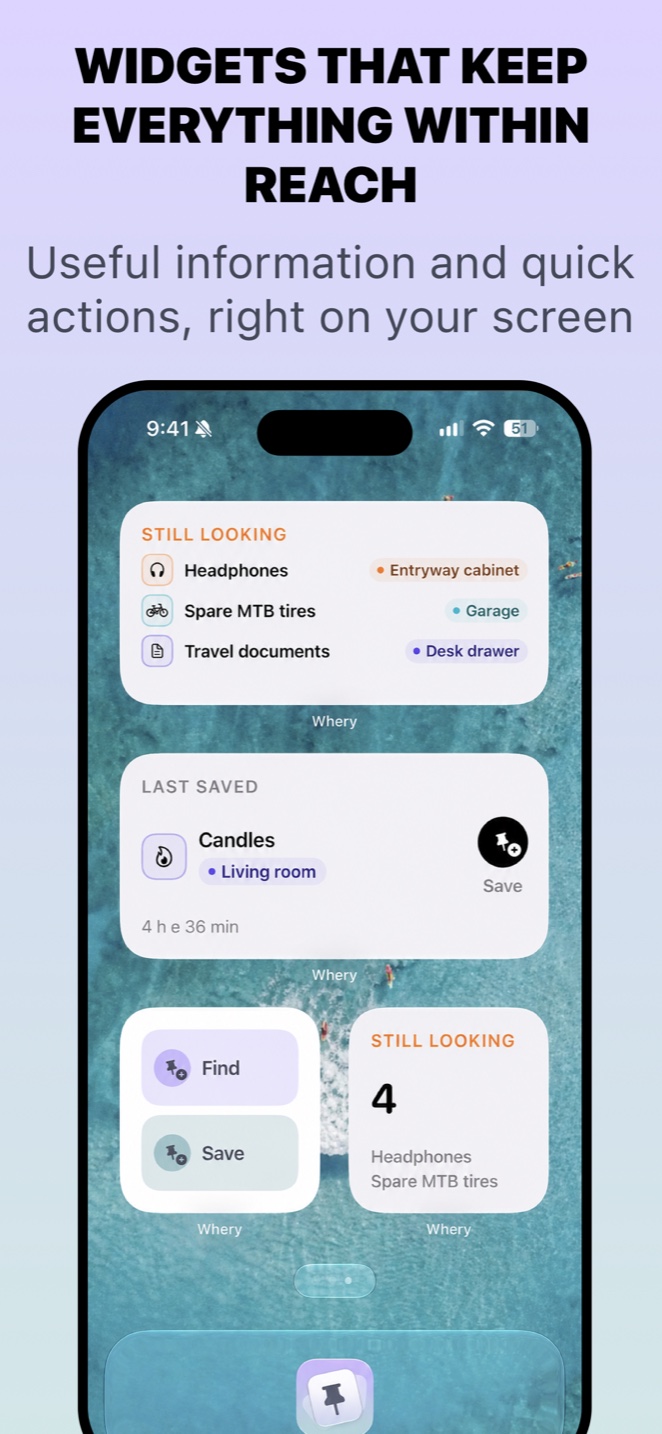
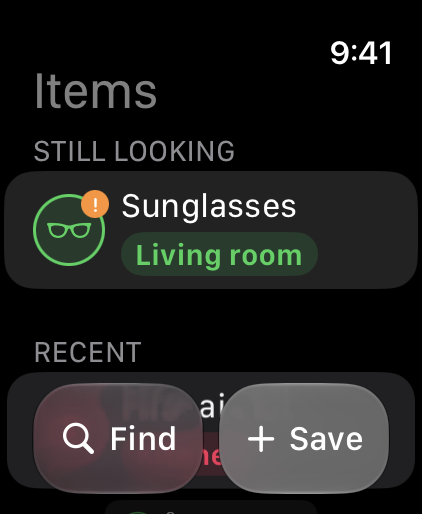
The things you’re still looking for sit on your Home Screen, Lock Screen and in StandBy. Saving and finding are one tap from Control Centre, a Shortcut, or the Action Button.
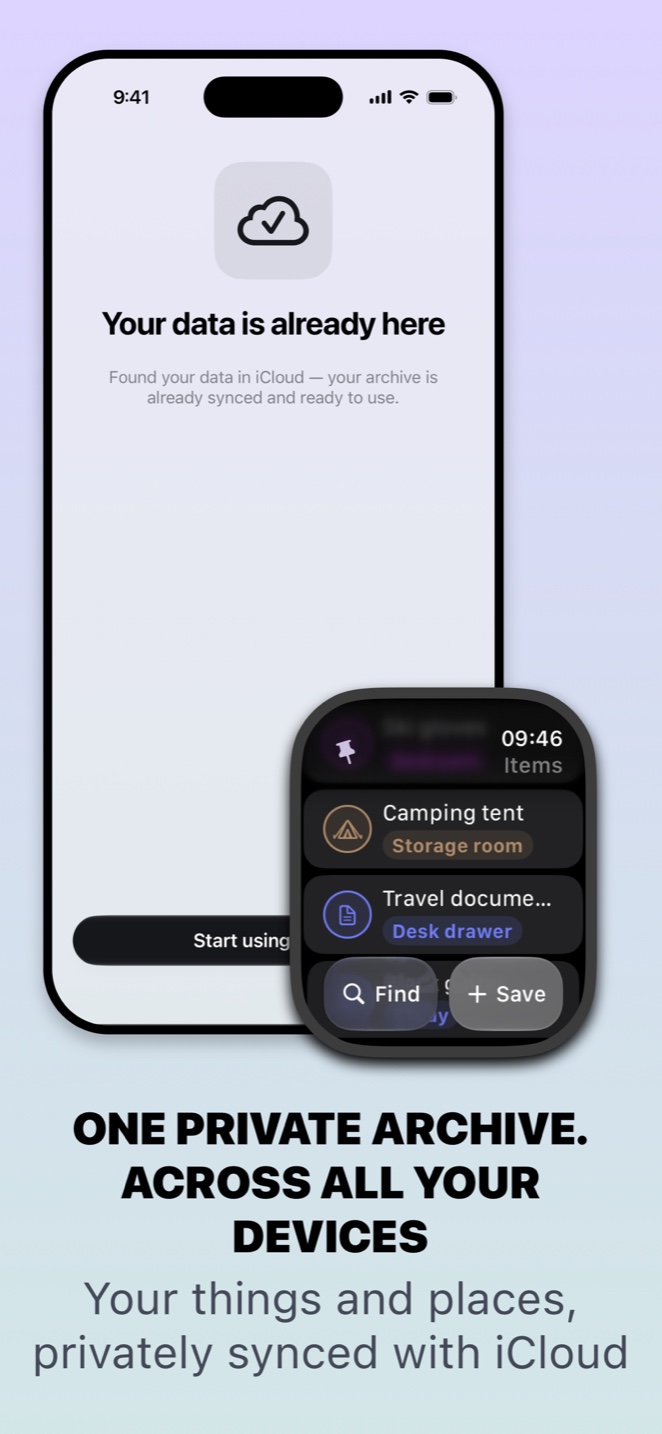
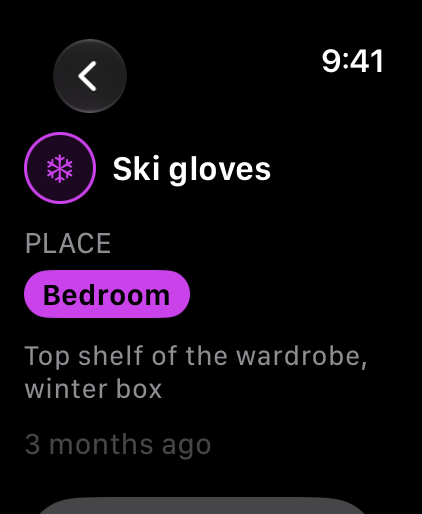
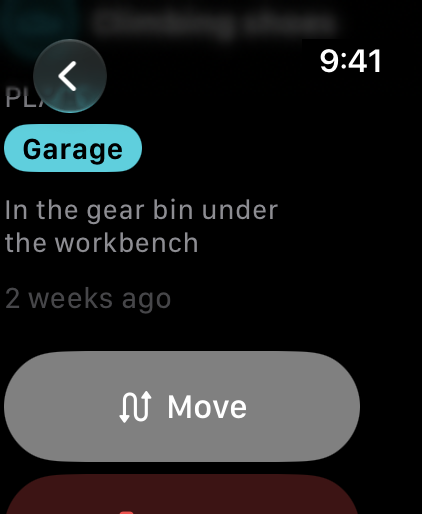
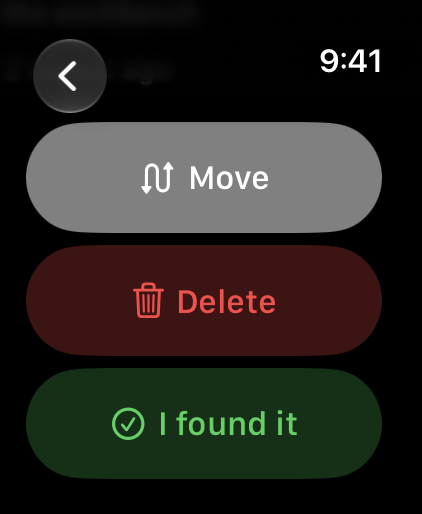
Ask Siri. Search from Spotlight. On Apple Watch, the native app lets you save, find, move and mark things as found. Full Apple Watch features require Whery Premium.
iPhone, iPad and Apple Watch stay in step through your own private iCloud. Assistive Access, VoiceOver, Dynamic Type and Reduce Motion are built into the core journeys, not bolted on afterwards.
Screens
Have a look around.
The App Store screens, one device at a time. Swipe through.
iPhone8 screens
iPad7 screens
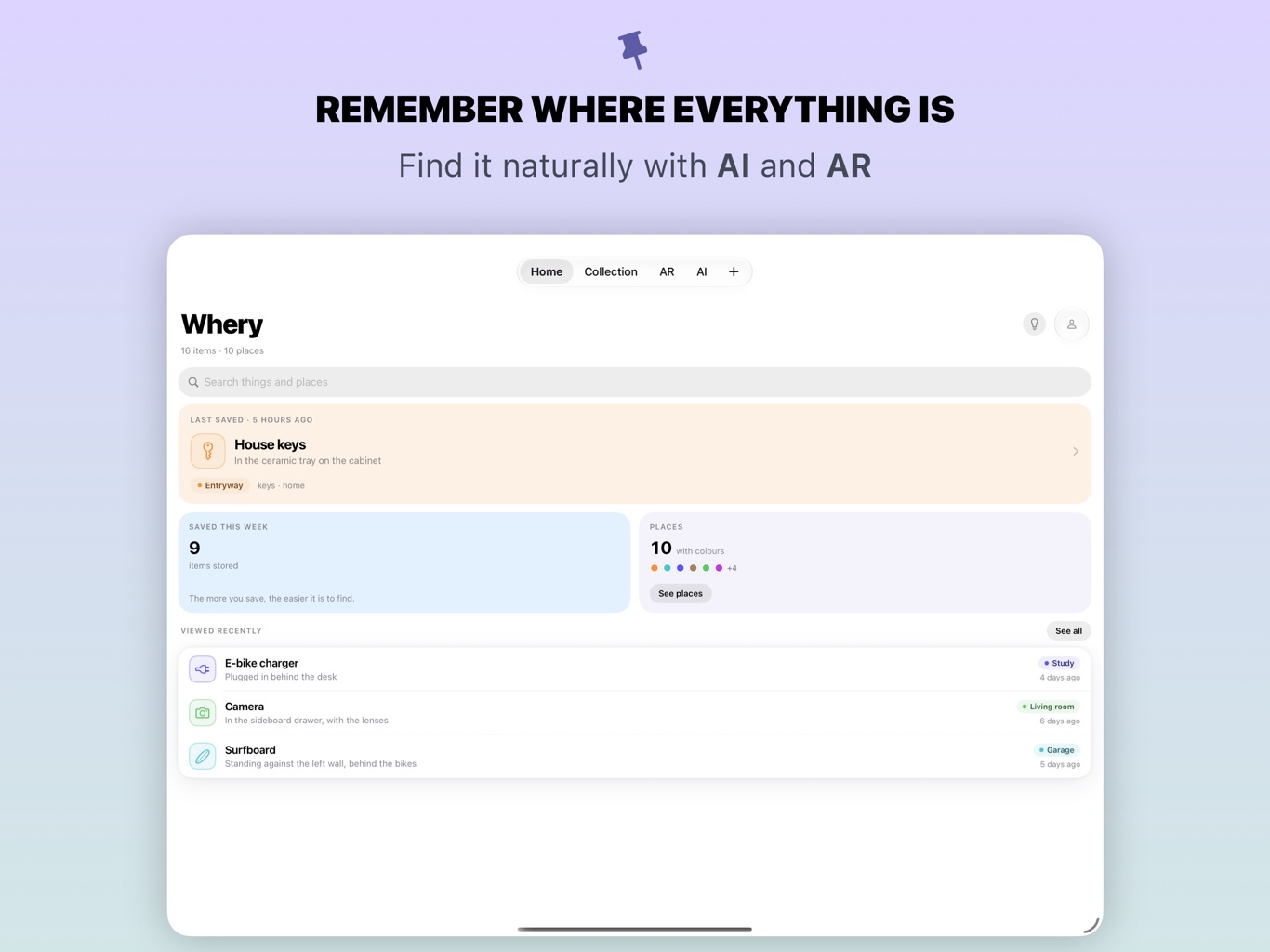
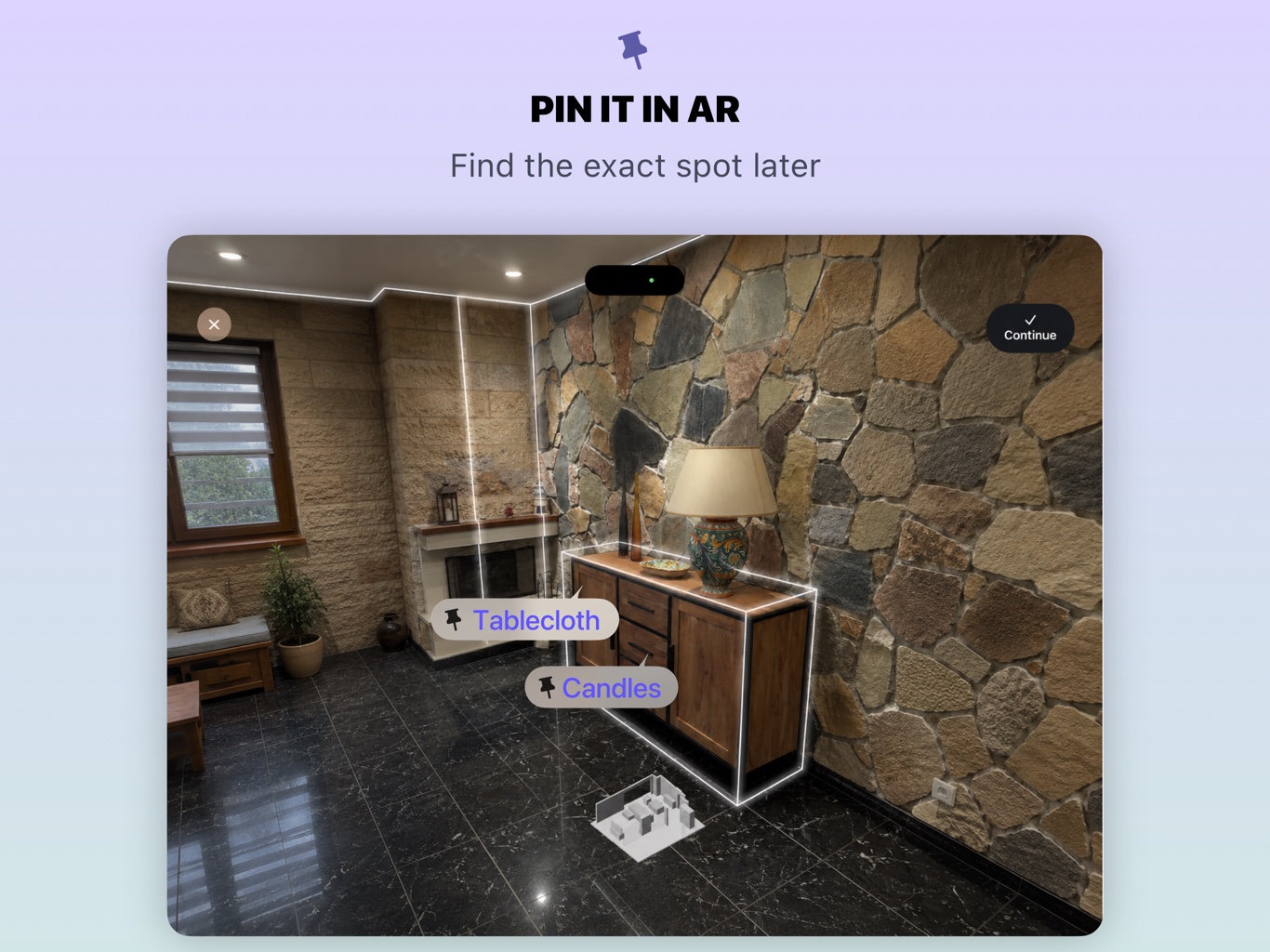

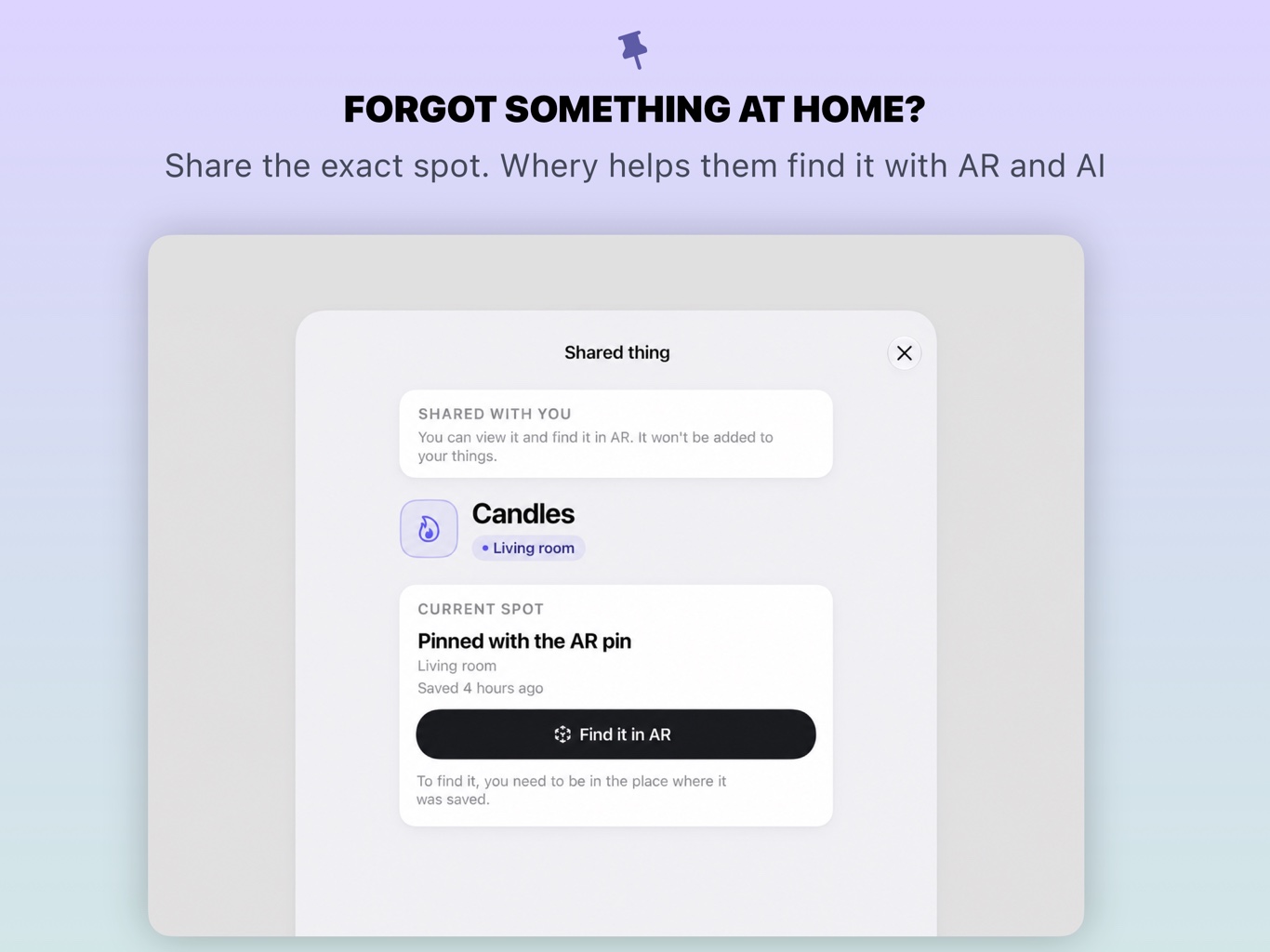
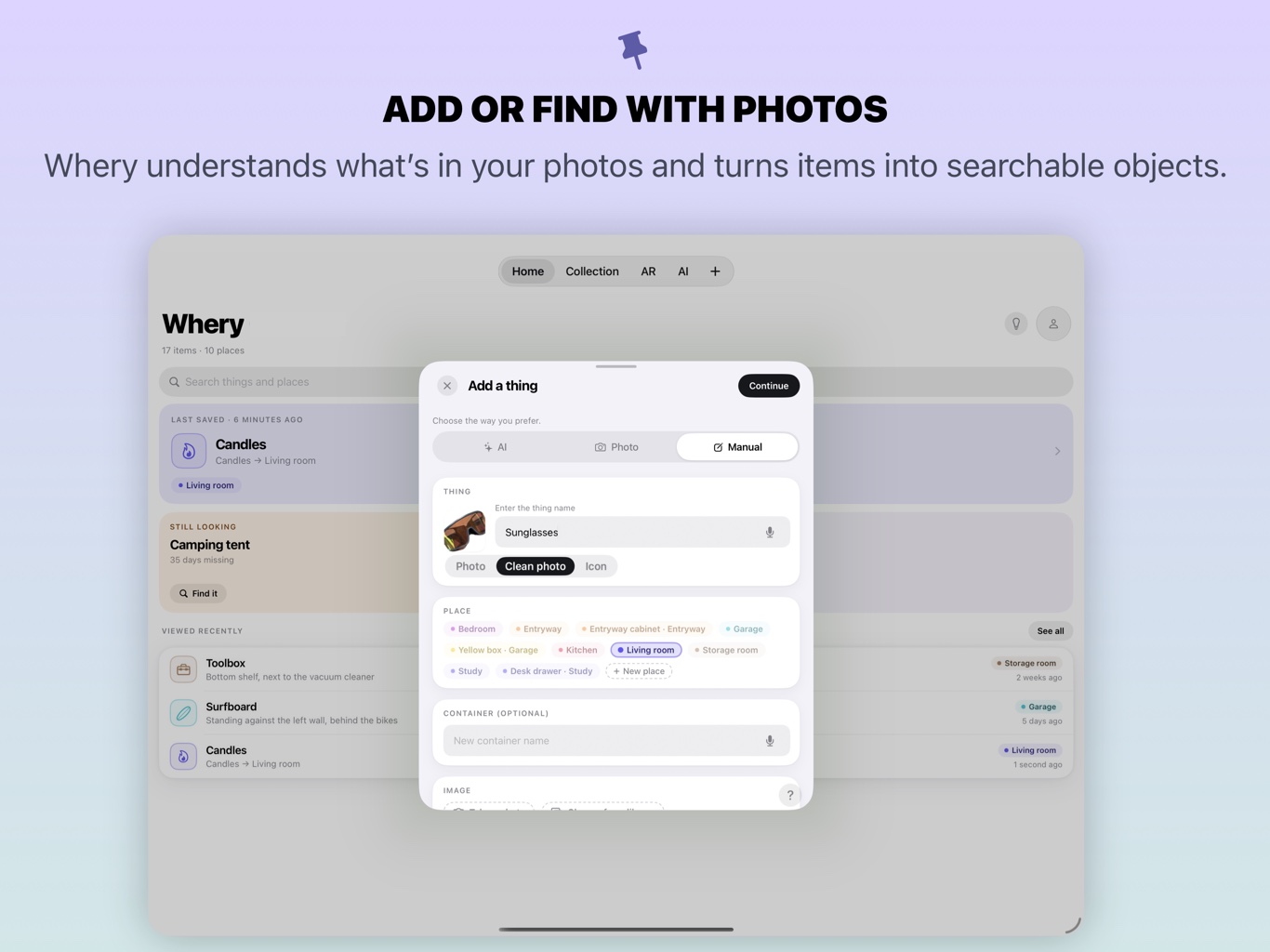
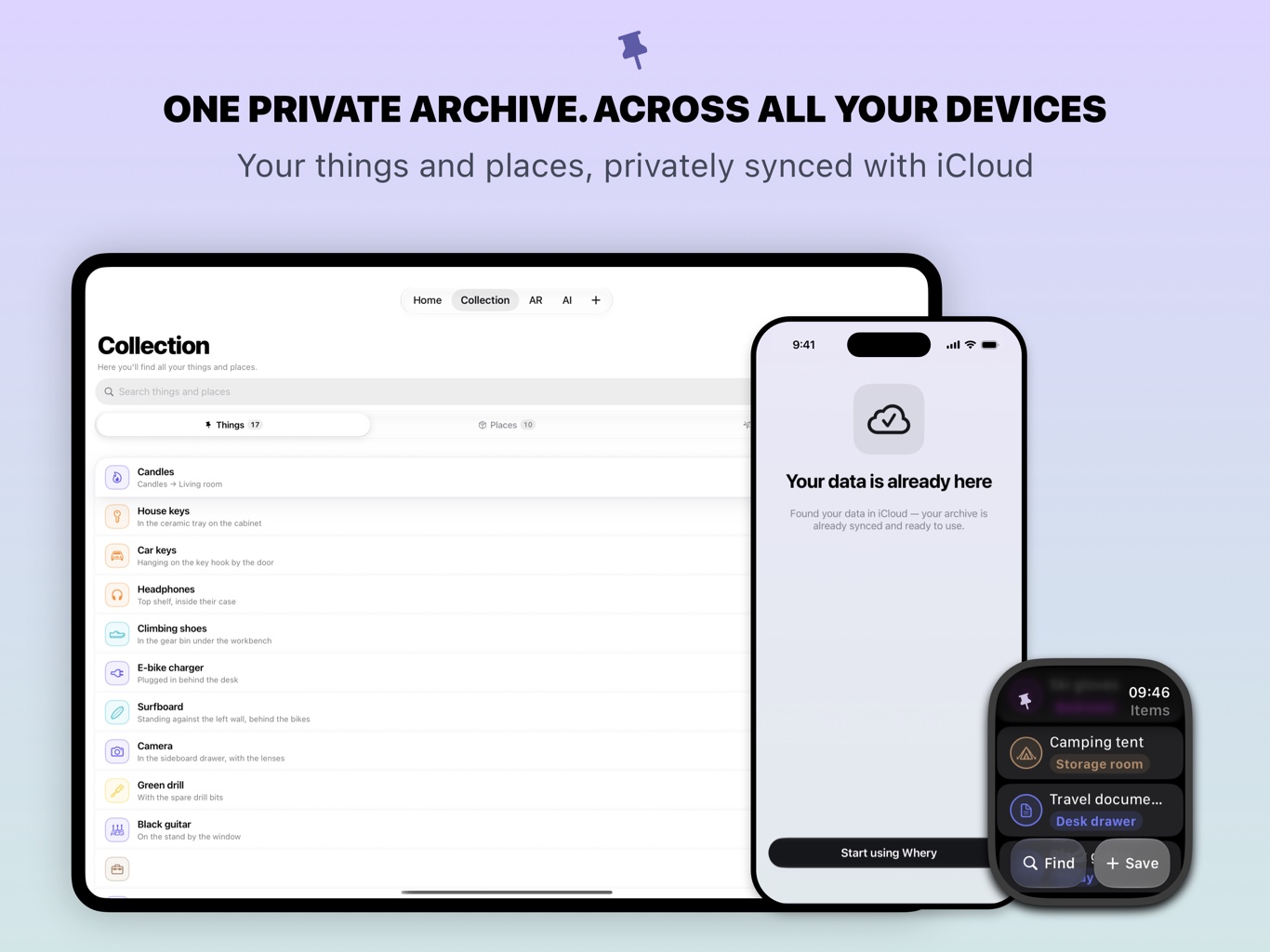
Apple WatchNative app
№ 014VERSO
Your archive stays private.
Your archive can include photos of your home. Here is how Whery helps you keep control of it.
No Whery account to create. AI on your device. You choose which things to save and which records to share.
The AI runs on your device. Your archive stays available offline and can sync through your own private iCloud . If you choose to share an item, Whery creates a read-only copy for the person you send it to.
Whery never asks for your location.
№ 000ACCESS
Free to download.
Save, organise and find your things for free, within the limits of the free version. Whery Premium is optional and adds unlimited items, AR pins, reminders and shares, plus full Apple Watch features. Monthly, annual and lifetime options are available through in-app purchase; check the App Store for current prices.
AI and AR features depend on compatible hardware, software and settings. AR pins work best on iPhone models with LiDAR. Check the App Store for current requirements.
So — where did you put it?
iPhone · iPad · Apple Watch
Download on the App StoreWhery Guides
A little less searching.
Practical ways to remember where you put things, organise your storage and help someone at home find what they need.
Where did that cable go? Keep track of adapters and spare batteries
Small accessories are easy to put away and surprisingly hard to identify later. Several black cables can look alike, while the adapter you use…
Whery on iPhone Duo: ready from day one, October 23
Whery 1.2 is already available with iPhone Duo support. As preorders open, prepare your inventory for the device’s arrival on October 23.
Whery, AirTag or Find My: which helps you find your things?
Compare saved home locations with AirTag tracking, and choose the right approach for belongings in storage or items that travel with you.