What the iOS update changes
Apple began rolling out iOS 27 on 14 September 2026, with new Apple Intelligence capabilities and improvements to search. Its announcement also distinguishes feature availability by device, language and region. In particular, the new Siri AI is initially unavailable on iPhone in the EU. See Apple’s release announcement for the details.
Whery has its own saved collection. Installing a new operating system does not tell an app which shelf holds your glasses: that information starts with a record you choose to save.
Give your organizer information it can use
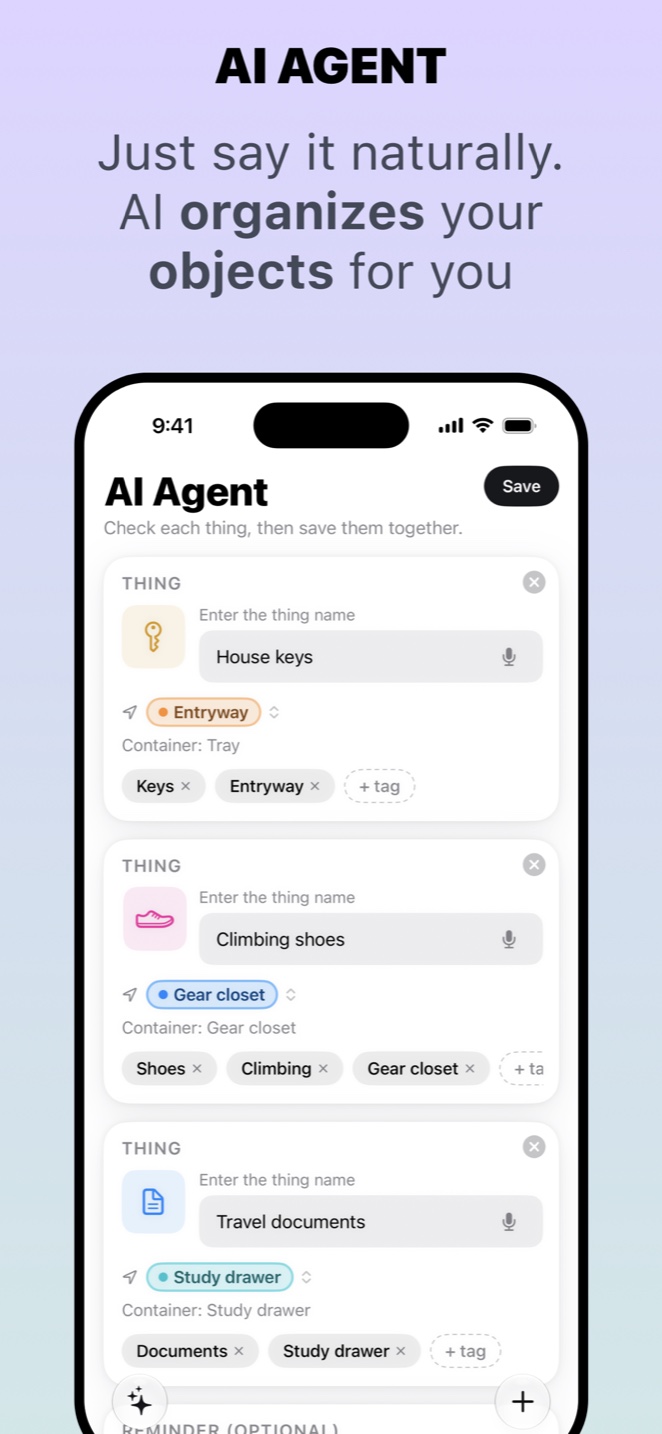
Create an entry for “spare glasses”, add “bedroom wardrobe”, then describe the smaller location: “blue case, top shelf”. A photo helps you recognise the case. On supported devices, Whery’s on-device AI helps interpret the information you type or dictate, including several objects in one sentence. Review the proposed entries before confirming them.
When you need the glasses, search for the item or describe it in your own words. Whery combines saved names and details with semantic search. The useful result is a record you can act on: an object, a place and a visual reference. Optional augmented reality pins can help you return to a recorded point when the app recognises the environment again.
Does Whery require the newest iPhone?
The current App Store version requires iOS 26 or later. Individual AI and AR features have additional hardware and software requirements; installing iOS 27 alone does not enable every capability. Check the current App Store listing for compatibility and in-app purchases.
Start with one small collection, such as travel essentials. Save five items you actually struggle to find, and update their records when you move them. Whery remembers the locations you record; it does not automatically track objects moving around your home.
For an overview of the app, read Meet Whery, then download it and save your first item today.
Sources and availability
Facts checked on 20 September 2026. Apple: iOS 27 rollout; Whery on the App Store.
Using Whery for this task
You can apply these steps to the records you save in the app. Check the name and location before relying on a search result.
Download Whery on the App StoreFree download, with limits in the free version and optional Premium purchases. Features depend on your device and software.