Start with the things you rarely use
Choose three objects you sometimes search for: a travel adapter, a document folder and a spare charger. You do not need to catalogue your whole home. Start with the objects whose locations are easiest to forget between uses.
In Whery, save each object with a name and a place. You can use text, a photo or voice input. “Travel adapter” is more useful than “small gadget”; “study, top desk drawer, blue pouch” is more useful than “somewhere upstairs”. Use words you would naturally remember later.
Include the last useful detail
The room gets you close. The drawer, shelf or container gets you to the object. Add the detail that distinguishes it from nearby alternatives, and a reference photo when its appearance matters. If you have several similar chargers, include the device each one belongs to.
Try one record before adding more. Put the object away, then read the saved location as if someone else had written it. If it still leaves you choosing between three drawers, make the description more precise. That small check makes the information more useful later.
Search when you need it, update when it moves
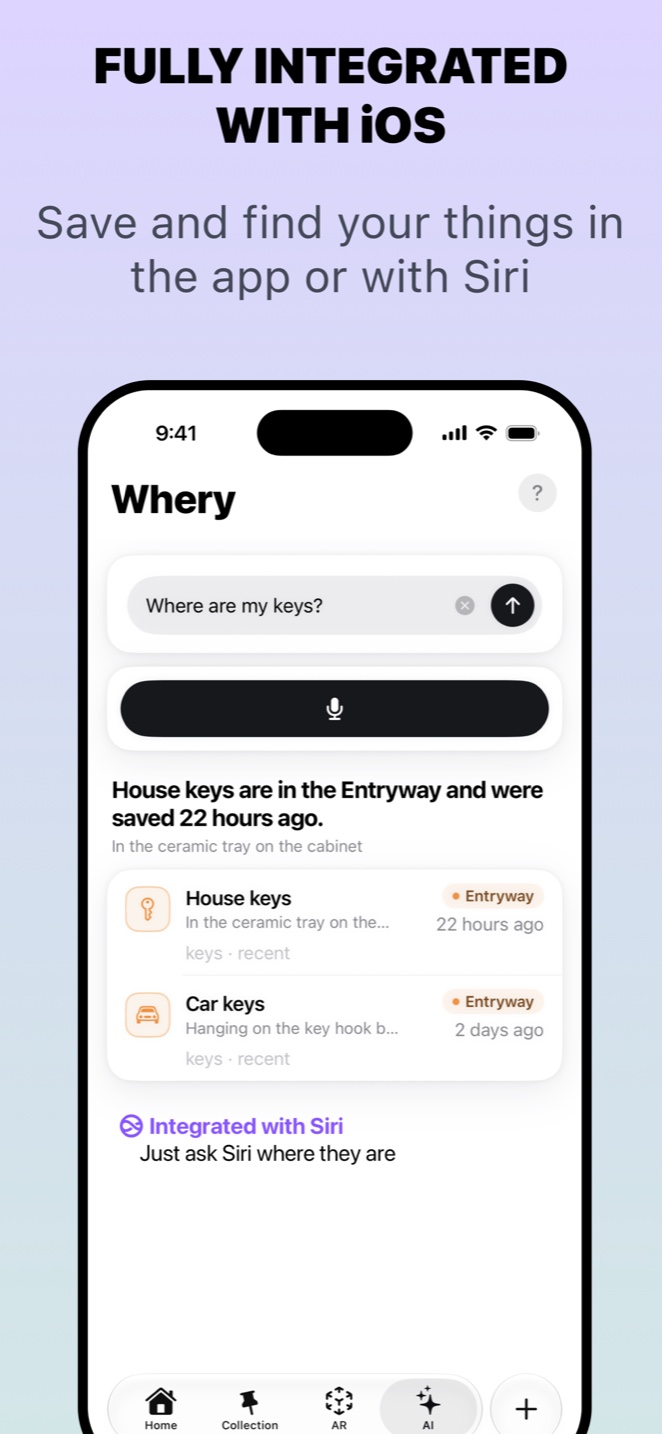
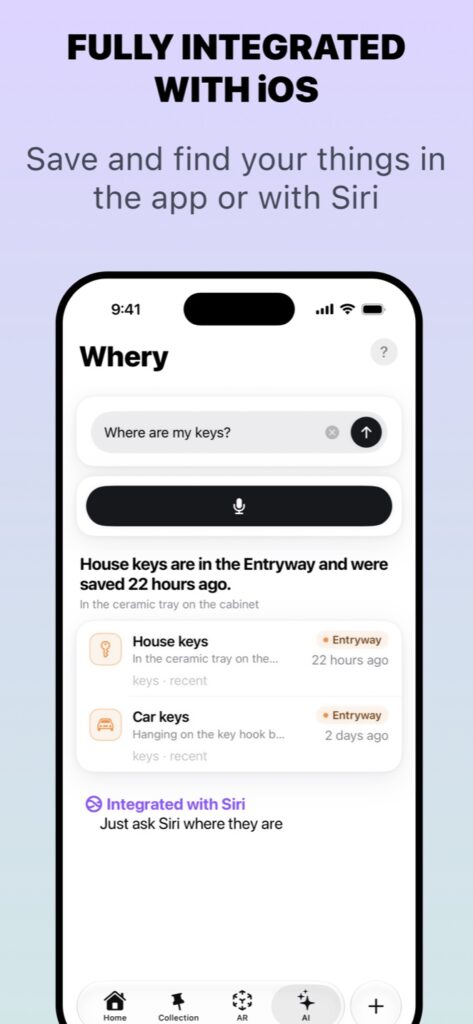
Later, search Whery using your own words. The saved item gives you a place to start looking without opening every cupboard. Siri integration provides another route to your saved information on supported devices.
When you choose a new storage spot, update the record while the object is still in your hand. This is the habit that keeps a digital memory useful: a good description of an old location is still an old location.
Whery remembers information you have saved. It cannot discover an object you never recorded or automatically track something after another person moves it. Start with one drawer and a few useful records, then add more as you put things away.

Save your first item today
Whery keeps what you own and where you put it in one searchable place, with text, photos, voice and optional AR pins.
Download Whery free on the App StoreFree to download and use, with optional Premium purchases. Feature availability varies by device and software.