Start with a sentence or a photo
Say or type “I put the passport in the study drawer”, or take a photo of an object. Whery helps turn that information into a saved item and location. On supported devices, its AI can separate several objects and places from one sentence, so putting away three things does not have to mean creating three records from scratch. Check the proposed cards, make any corrections and save.
Later, search in your own words. Whery combines keyword, meaning and photo search to help you find the record, even when you do not remember its exact name. You do not need to understand the technology to use it: the useful result is the object, its place and the detail that helps you find it.
Go back to the spot, or help someone else get there
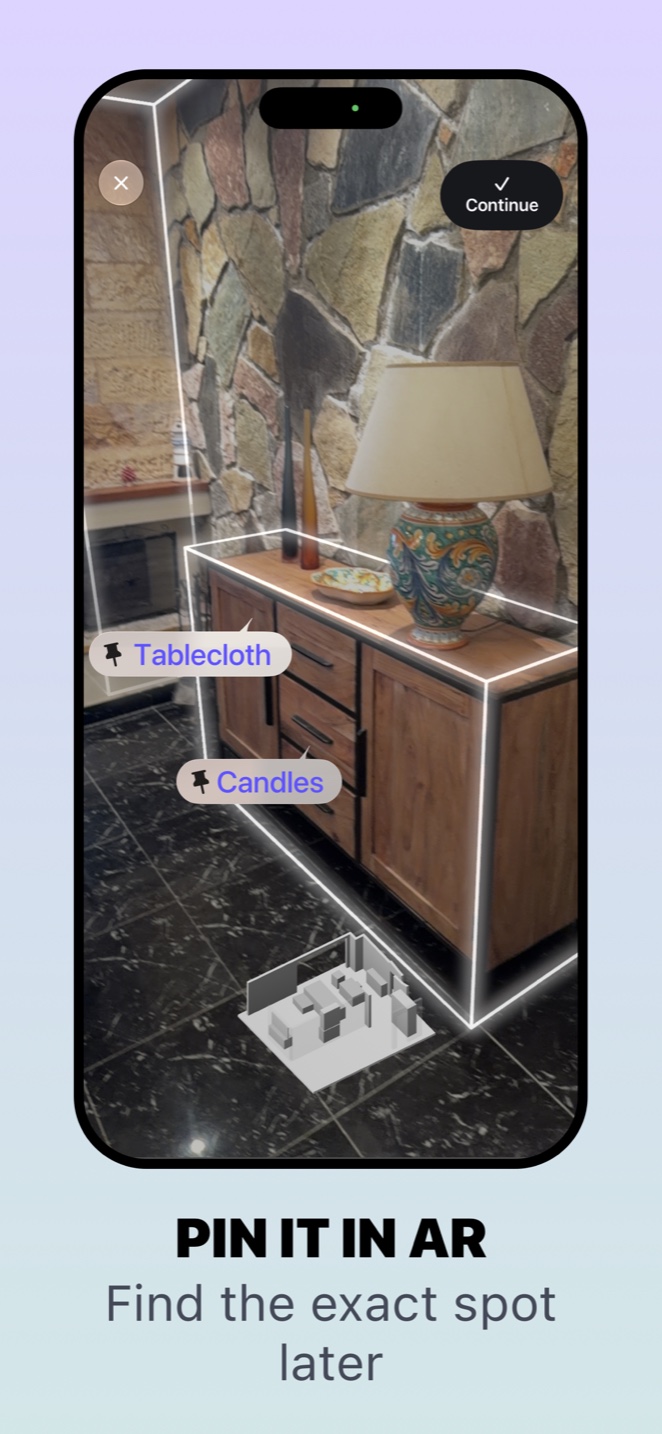
An optional augmented reality pin marks the position you saved in a room. When Whery recognises the same environment again, it can guide you back to that point, including a location inside a drawer, cabinet or box.
Already outside when you realise you need something from home? Share its item card with whoever is there. They can open it in Whery, see the reference photo and written location, and use the saved AR information on a compatible device. That can make “the other drawer” a much shorter conversation.
Advanced features that fit an everyday habit
Whery works across iPhone, iPad and Apple Watch, with Siri, Spotlight, Shortcuts and widgets making saved information easier to reach. The AI runs on the device, and personal iCloud keeps your collection in sync. There is no separate Whery account to create.
AI and AR features depend on compatible hardware and software; AI answers require Apple Intelligence. Whery remembers recorded locations: it cannot find something you never saved or follow an object after it moves.
Start with one object you often search for. Save where you put it today, then ask Whery when you need it again.
Using Whery for this task
You can apply these steps to the records you save in the app. Check the name and location before relying on a search result.
Download Whery on the App StoreFree download, with limits in the free version and optional Premium purchases. Features depend on your device and software.