What LiDAR adds to a portrait
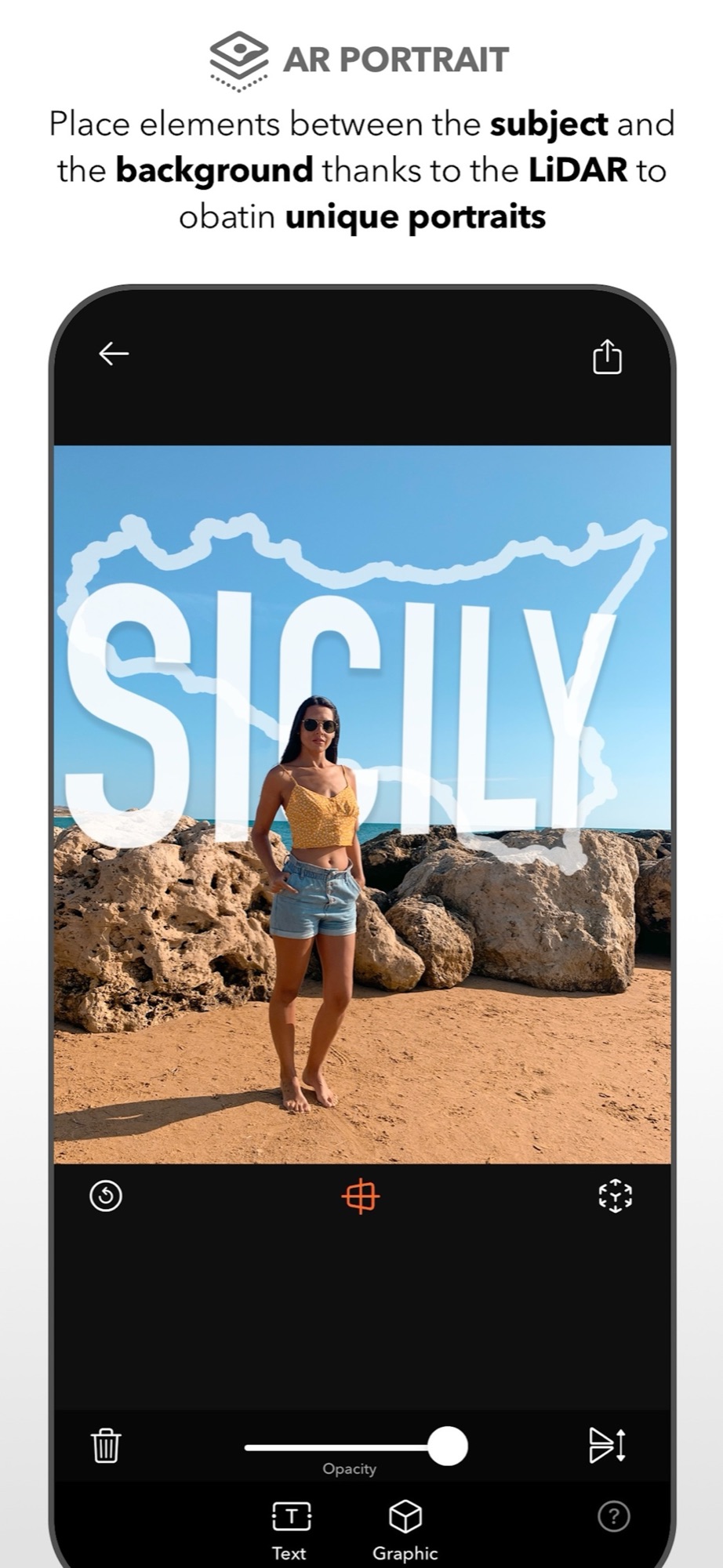
LiDAR measures distance. It scans the scene, detects planes and surfaces, and tells the app where the subject stands compared with the background. With this information DSLR Camera can place virtual elements between the two: in front of the landscape, behind the person.
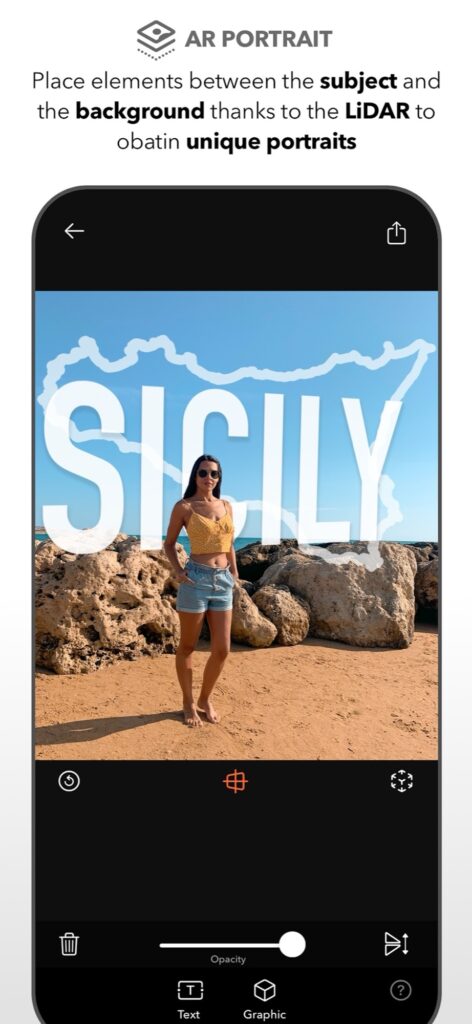
The classic example is a place name that appears to stand behind your subject on a beach, with the person overlapping the letters naturally.
Place text and stickers in the scene
Open AR Portrait, frame your subject and add an element: a text or a graphic. Move it in the scene until the depth looks right, adjust its opacity, and adjust the blur of the background. The integrated 3D editor lets you work on the composition before you save.
Because the elements live in the scene, you can change your position and recompose, instead of rebuilding a mask afterwards.
Get a clean result
Leave some distance between the subject and the background: depth separation is what makes the effect convincing. Choose short words and bold shapes, which remain readable when partly covered. Even light helps the sensor and the segmentation.
AR Portrait requires an iPhone or iPad with a LiDAR sensor. On other devices you can still work on depth with Portrait PRO and its adjustable blur.
Discover the other creative tools in the DSLR Camera overview.
Start with a simple depth scene
On a supported LiDAR device, choose one person in front of a background that is visibly separated in space. Begin in even light and add one virtual element. Move slightly and inspect whether depth placement remains plausible before building a complex scene.
Compare hair, glasses and thin edges in the saved image. Reflective or transparent surfaces and complex outlines are useful stress cases, not guaranteed successes. If depth separation looks wrong, simplify the composition or use a normal portrait. Owning an iPhone or iPad alone does not imply LiDAR support.
Sources and availability
Facts checked on 20 September 2026 against the DSLR Camera listing on the App Store and the developer’s feature notes. AR Portrait is available on devices equipped with LiDAR.
Your learning path: from capture to editing
Follow the sequence or choose the problem you want to solve. Scheduled lessons become links when published.
- Manual camera controls on iPhone: shutter speed, ISO, focus and white balance
- Night photography on iPhone: using shutter speed and ISO after dark
- Use Apple Watch as a remote shutter for DSLR Camera
- Hands-free selfie timer on iPhone: start the countdown with a gesture
- AR Portrait: using the iPhone LiDAR sensor for creative portraits
- Bokeh on iPhone: control background blur before and after the shot — scheduled: 30/10/2026
- How to take the perfect jump shot with your iPhone — scheduled: 06/11/2026
- Shooting RAW on iPhone: when it helps and how to edit the file — scheduled: 13/11/2026
- Edit a photo on iPad with DSLR Camera: a practical order of adjustments
- AI photo filters on iPhone: how Predictive Filters choose for you — scheduled: 20/11/2026
Take control of your iPhone camera
Manual controls, RAW, 200+ filters and an advanced editor in one app for iPhone, iPad and Apple Watch. Updated since 2014.
Get DSLR Camera on the App StorePaid app. Feature availability varies by iPhone model, camera and iOS version.