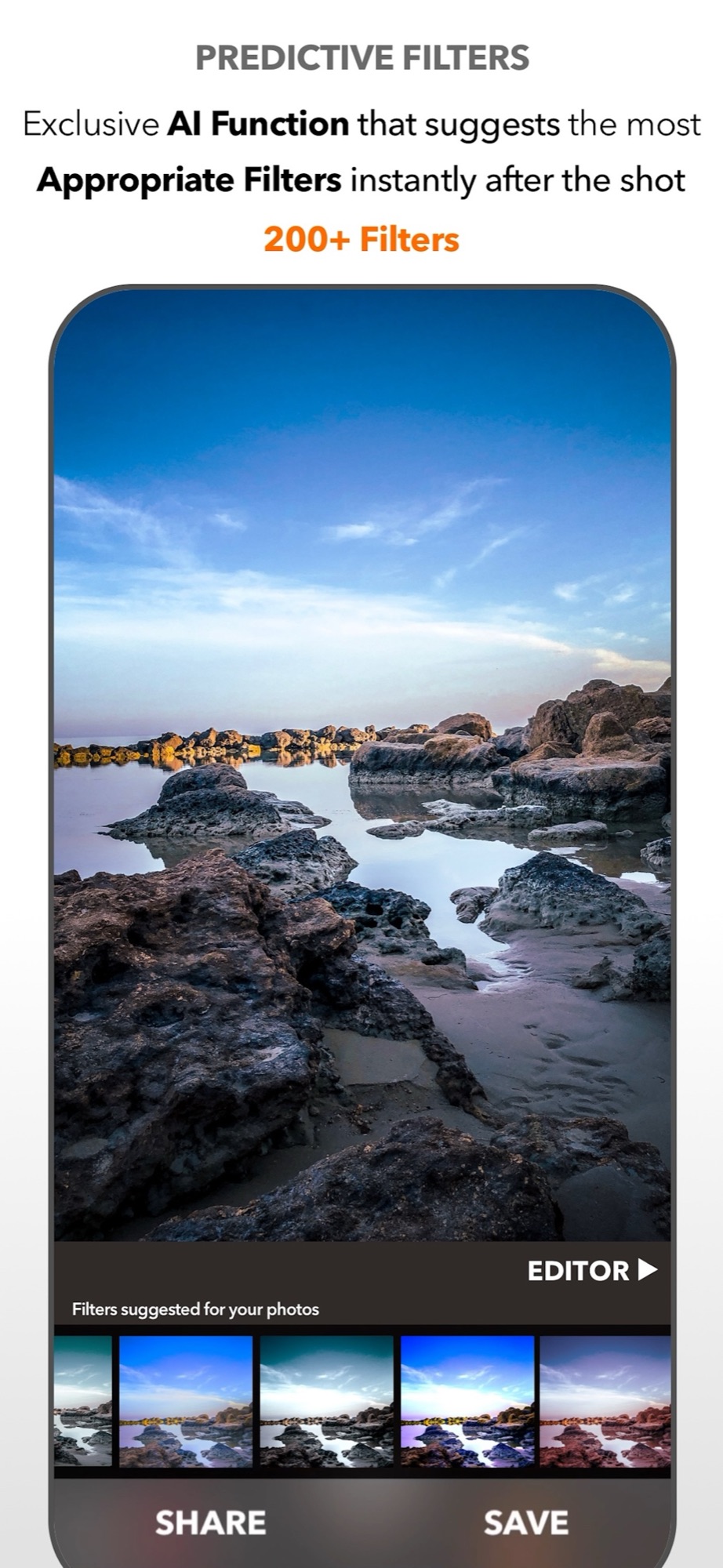
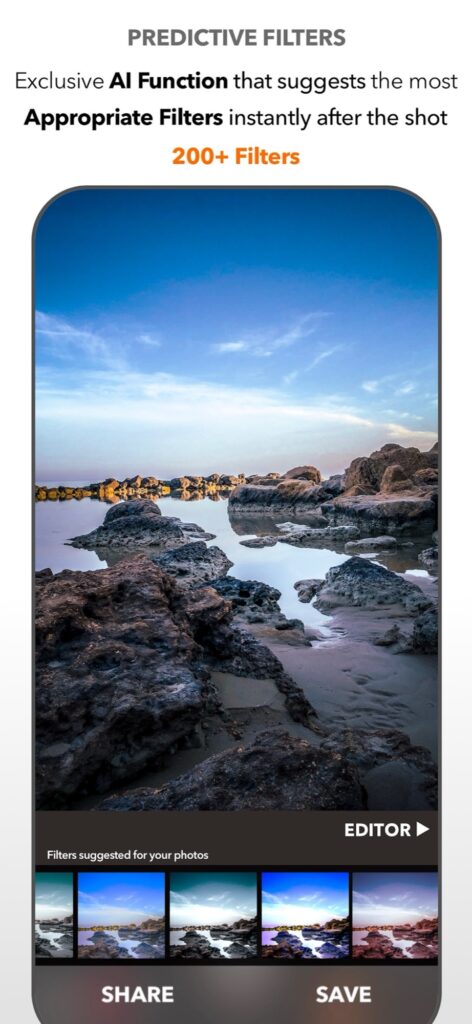
Suggestions based on the photo
Right after the shot, DSLR Camera shows a preview of your picture with the filters it considers most appropriate. The selection is made by a Core ML model that runs on the device and evaluates the visual characteristics of each photo. The feature was completely redesigned with a new model, to suggest filters with greater accuracy.
You stay in charge: pick one of the suggestions, open the editor to refine it, or ignore them all.
Filters from the music you hear
Music Filters is a more playful idea. The app creates and recommends filters based on the music you are listening to and the mood of the moment, and includes a Music Sticker editor. A beach photo taken with a surf song playing will not look like the same beach with something slower.
Voice and widgets
With Siri Shortcuts you can say “Hey Siri filter last shot”, and a predictive filter is applied to your latest photo automatically. Widgets select and improve shots for you as well, and they are interactive, with StandBy support.
When a photo needs different treatment in different areas, Dual Filter corrects the subject and the background separately. From there, the full editor is one tap away, with crop tools integrated in the same workflow and automatic horizon rotation.
Explore all the editing tools in the DSLR Camera overview.
Use the unfiltered image as your reference
Choose one portrait and one landscape. Compare the original with a restrained filter and a stronger suggestion. Look at skin, neutral surfaces and shadow detail before deciding which interpretation fits the image. A recommendation is a starting point, not an objective quality score.
Try the same filter on both photographs. If it helps one but harms the other, that is a useful result: the scene matters. Avoid repeatedly exporting and re-editing compressed copies. Preserve an original and check the final saved file at the intended sharing size.
Sources and availability
Facts checked on 20 September 2026 against the DSLR Camera listing on the App Store, including release notes. Feature availability varies by device and software.
Your learning path: from capture to editing
Follow the sequence or choose the problem you want to solve. Scheduled lessons become links when published.
- Manual camera controls on iPhone: shutter speed, ISO, focus and white balance
- Night photography on iPhone: using shutter speed and ISO after dark
- Use Apple Watch as a remote shutter for DSLR Camera
- Hands-free selfie timer on iPhone: start the countdown with a gesture
- AR Portrait: using the iPhone LiDAR sensor for creative portraits
- Bokeh on iPhone: control background blur before and after the shot
- How to take the perfect jump shot with your iPhone
- Shooting RAW on iPhone: when it helps and how to edit the file
- Edit a photo on iPad with DSLR Camera: a practical order of adjustments
- AI photo filters on iPhone: how Predictive Filters choose for you
Take control of your iPhone camera
Manual controls, RAW, 200+ filters and an advanced editor in one app for iPhone, iPad and Apple Watch. Updated since 2014.
Get DSLR Camera on the App StorePaid app. Feature availability varies by iPhone model, camera and iOS version.