
Get your agents into view.
Start with one session. Learn the setup, follow a whole party, troubleshoot an empty village and explore how the dashboard works.
Practical guides in English, from setup to sound alerts and a second-screen dashboard, with direct links to the project on GitHub.
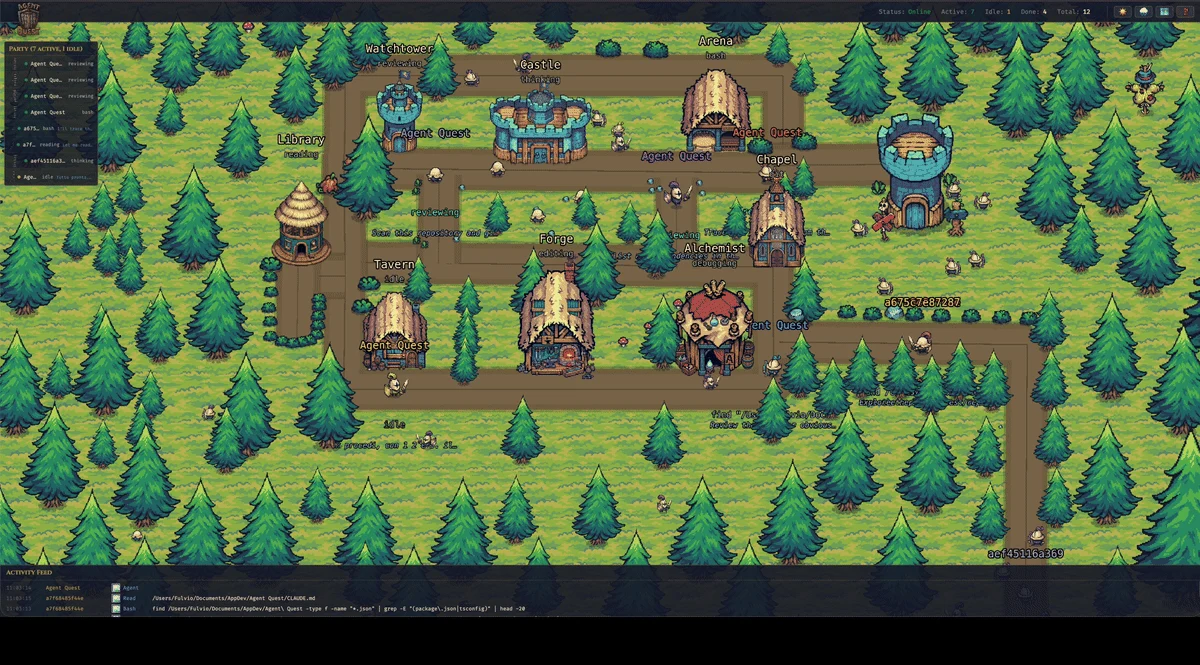
How to Monitor Claude Code and Codex Sessions with Agent Quest
Follow coding sessions in a live village, understand the activity behind each hero, and know when to return to the terminal.
Read the guide →
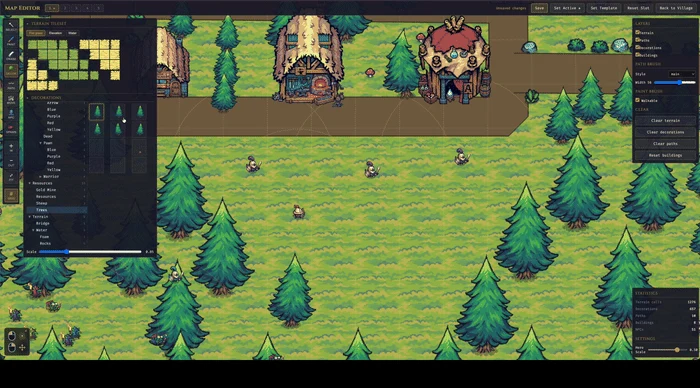
Set Up Agent Quest on macOS: From Installation to Your First Agent
Install Agent Quest on macOS, open the local dashboard and verify that a supported coding session appears.
Read the guide →
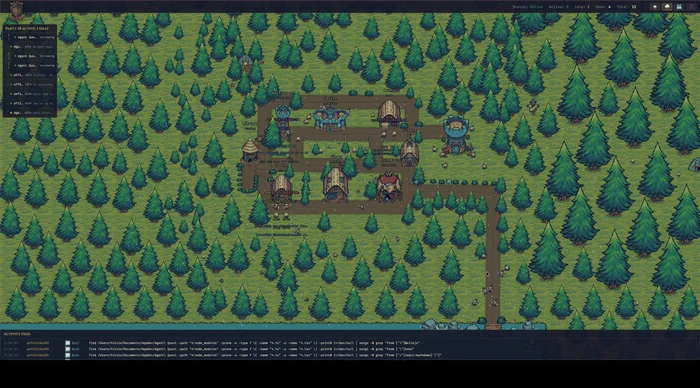
Running Multiple Coding Agents? Read Their Activity at a Glance
Use Agent Quest’s party bar, activity feed and detail panel to follow separate coding projects without confusing activity with completion.
Read the guide →
Agent Quest Shows No Agents: A Step-by-Step Troubleshooting Guide
Separate an empty village from a disconnected server, check local session discovery and diagnose startup problems without deleting your setup.
Read the guide →
View Your Coding Agents on an iPad with Agent Quest
Use an iPad as a browser view of Agent Quest running on your computer, with explicit local-network access and clear connection checks.
Read the guide →
From Session Logs to a Live Village: How Agent Quest Works
Follow an event through Agent Quest’s provider parsers, shared state, WebSocket updates and React/Phaser visualization.
Read the guide →
Hear When Claude Code or Codex Needs You: Agent Quest Sound Alerts
Stop checking every terminal. Configure Agent Quest sounds for finished turns and completed sessions, then return when an agent needs your attention.
Read the guide →
Turn a Second Monitor into a Living Dashboard for Your Coding Agents
Use Agent Quest as a full-screen visual companion for Claude Code and Codex, with a live village, activity details and optional sound alerts.
Read the guide →